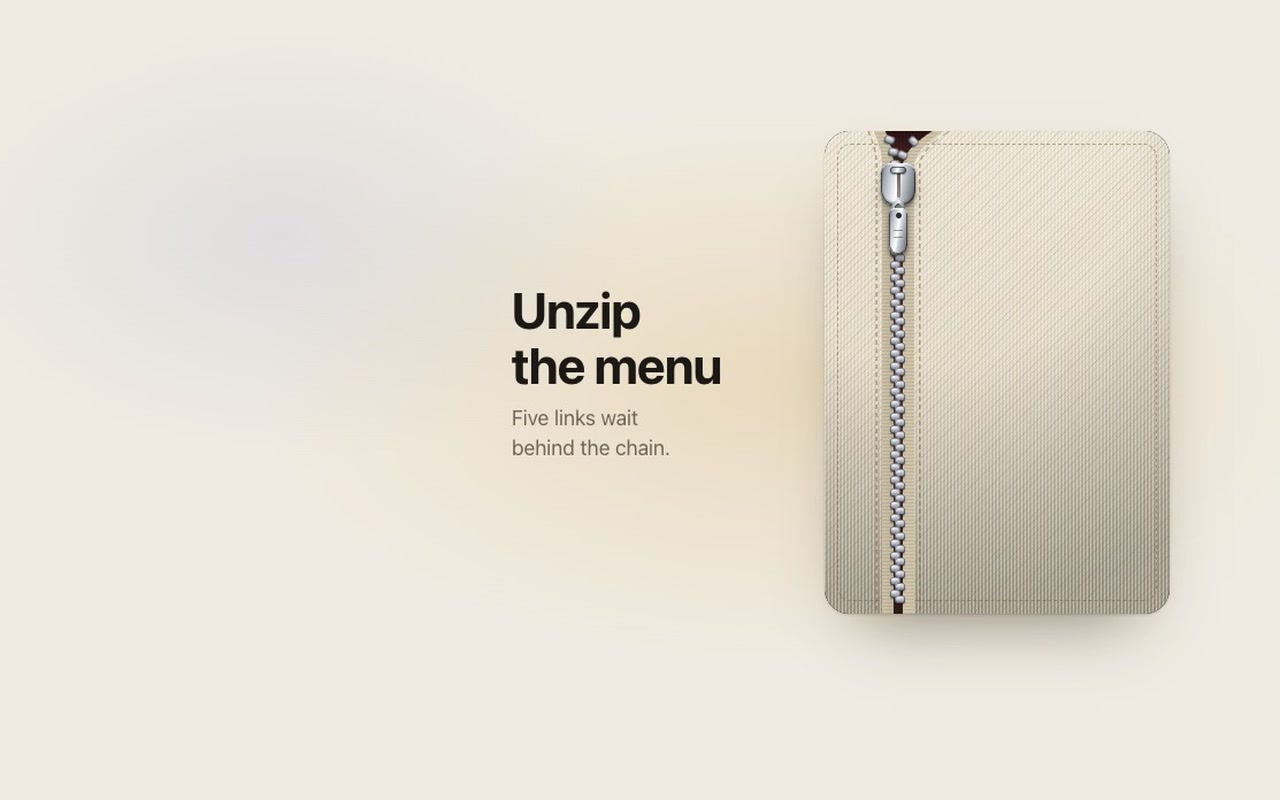
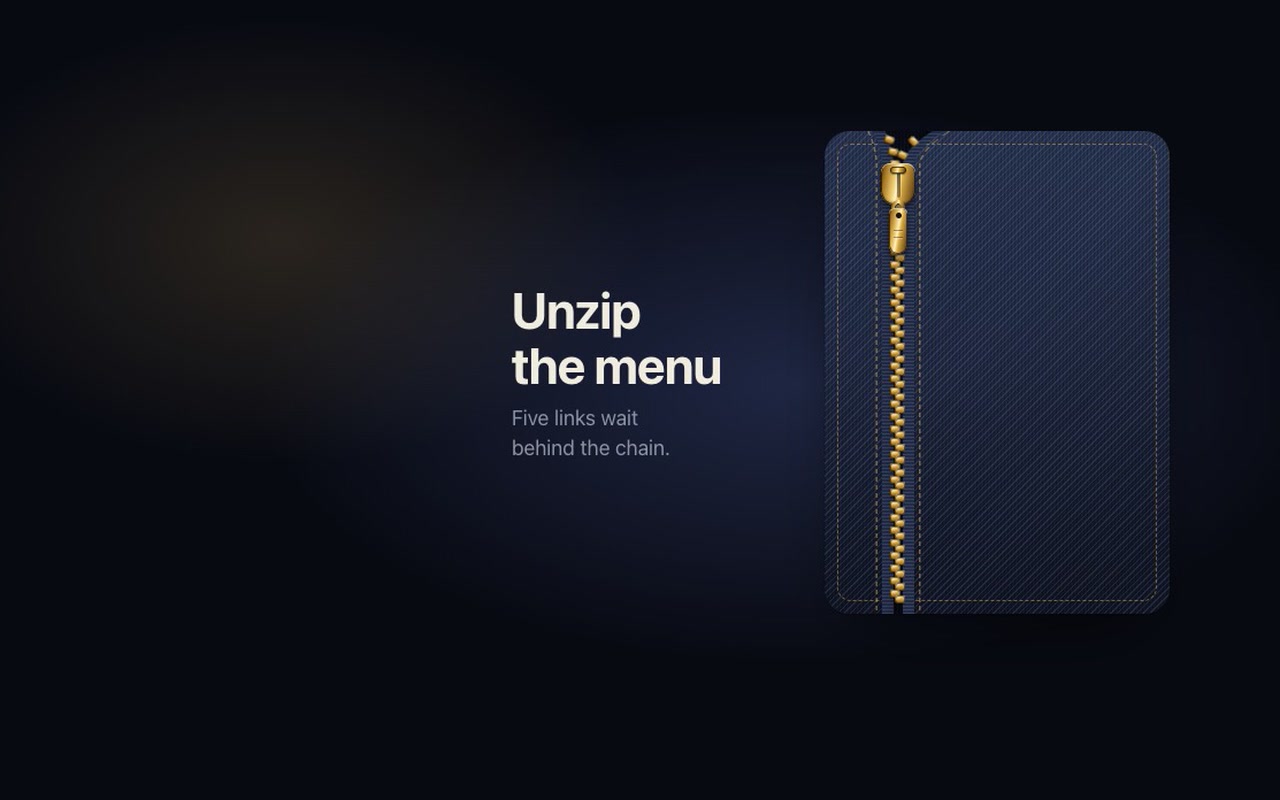
An off-canvas menu drawn as a panel of cloth with a metal zipper down its left side. The pull is a metal slider with a bail and a tag that hangs from it and swings when the slider moves. Drag the pull down and the slider follows your finger exactly: every tooth above it parts by its distance to the slider and gives a small click as it comes free, so the chain opens in a V that travels with you; the two cloth flaps are cut along the same curve and lift a little, throwing a soft shadow into the opening; and each link surfaces once the gap at its row is wide enough. Drag past the end of the track and it resists, then springs back. You can also drag or flick the cloth itself: flick down to open, flick up to close. Let go early and it zips back up with a snap. Let go past 40%, or while it's still moving that way, and it finishes on its own, carrying on at your speed: the moment the slider meets the stop it lands with a small clunk, the tag swings and settles, the cloth relaxes. Zip it closed and each tooth clicks back into lock as the slider passes it. The link for the page you are on stays in accent ink with its underline. Dark is midnight denim with brass over a midnight satin lining; light is cream canvas with silver over an oxblood lining. A row of stitches runs beside the tape on both sides and follows the opening as it parts.
Good for
Fashion and apparel shops, lookbooks, portfolios, product pages that want one memorable menu, any site where "unzip" fits the brand.
How it works
One number, progress from 0 to 1, drives the slider, the teeth, the cloth and the links together, so dragging, tapping, keyboard and release all share the same motion. Release, flick and tap use a spring that starts from the slider's current position and speed, and a new drag can grab the slider mid-flight. The release speed comes only from the last 80 ms of movement, so a drag that paused before letting go settles by position. The chain is built by the script from a few CSS variables, so pitch, gap and reach are yours to change.
How to use
Copy two files, paste the markup with your own links, call init(). onSelect(index, href) fires when a link is chosen, onOpen and onClose when the slider lands.
Specs
Price
$5, one payment
Version
1.0.0
Code size
9.8 KB gzipped
Dependencies
None
Built with
HTML, CSS, JavaScript
Category
Navigation
Licence
Unlimited personal and client projects
In the zip
zipper.csszipper.jsthe component
index.htmla plain example page
README.mdpackage.jsonvite.config.jsLICENSE.md
Use it in your project
Copy zipper.css and zipper.js into your project.
Add the markup from index.html (the block between the COMPONENT comments). The pull is a <button>, the links are a plain <ul> of <a> elements; the teeth and the shade in the opening are drawn by the script.
The full source, an example page and a README. No account, no framework.
Can I use it in client projects?
Yes, in unlimited projects. You can't resell or share the source itself.
Does it work on touch?
Yes. Drag, flick and tap all use Pointer Events, so mouse, pen and finger behave the same, and dragging the pull or the cloth never scrolls the page. A press that moves less than a few pixels is a tap, and a drag never also clicks a link.
Can I change the links?
Yes, they are plain <a> elements in a list. Three to six fit the default height; the panel size, link size and spacing are CSS variables.
Is it accessible?
The pull is a real button with aria-expanded. Enter or Space toggles it, the arrow keys move the slider in 10% steps, Escape closes from anywhere, and the links are inert while the menu is closed. With reduced motion the slider still follows your finger while you drag, but tap and release jump to the end, the links fade in and there is no bounce, swing or clunk.
Light and dark?
Both are designed: cream canvas with silver hardware, midnight denim with brass. Every colour, the weave and the stitching are variables.
Are there any images?
No. The cloth, tape, teeth, slider and tag are all CSS gradients, so it loads with nothing else.
What if it doesn't work for me?
If it doesn't work like the demo, you get a refund within 14 days.
Still have a question? Email us. The person who made it answers.
exportfunctioninit(root, {
pages = 9,
page = 1,
window: win = 7, // beads shown at once when there are more than 12 pages (odd numbers work best)
onChange,
onPreview, // called while a bead is pulled, with the page it would land on
drag = true, // pull beads along the rod with a finger or the mouse
duration = 440, // ms a bead takes to cross the gap and settle
stagger = 40, // ms between beads in a chain
labels = {},
} = {}) {
.dimple {
--dimple-h: 64px; /* the bar itself */--dimple-head: 30px; /* room above the bar for the drop to hop */--dimple-drop: 46px; /* drop diameter */--dimple-radius: 26px; /* bar corners */--dimple-width: 420px;
--dimple-font: -apple-system, "SF Pro Text", "Inter", system-ui, "Segoe UI", sans-serif;
--dimple-bar-top: #ffffff;
--dimple-bar-bottom: #eef0f5;
--dimple-rim: rgb(255255255 / .95);
exportfunctioninit(root, {
onChange, // (index, href) => void, when the chosen link changes
onPreview, // (index, href) => void, while dragging: the link the beam is over
followLinks = true, // a plain click follows the link once the lamp strikes on it
drag = true, // press and drag (or flick) along the bar to aim the lamp
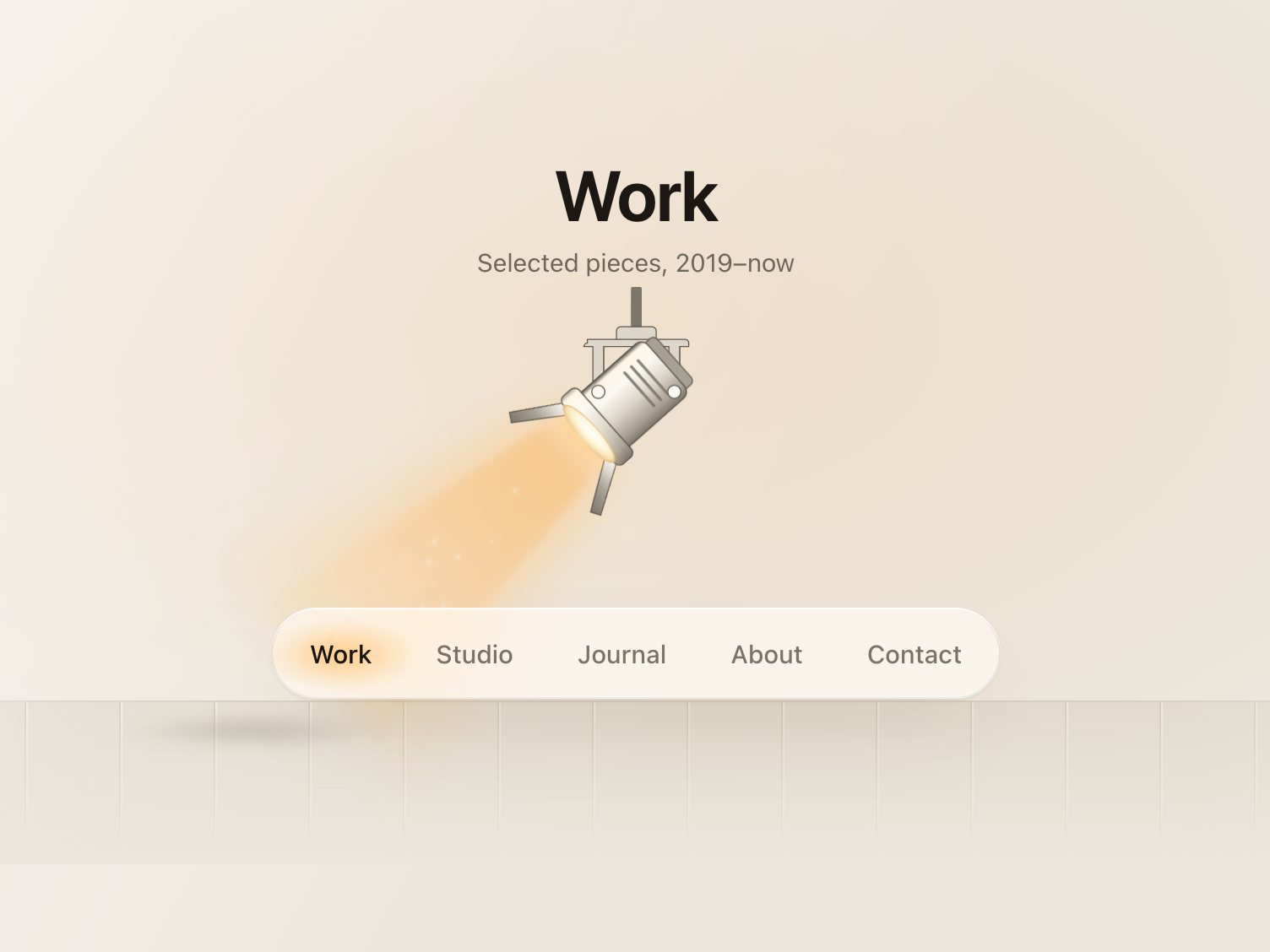
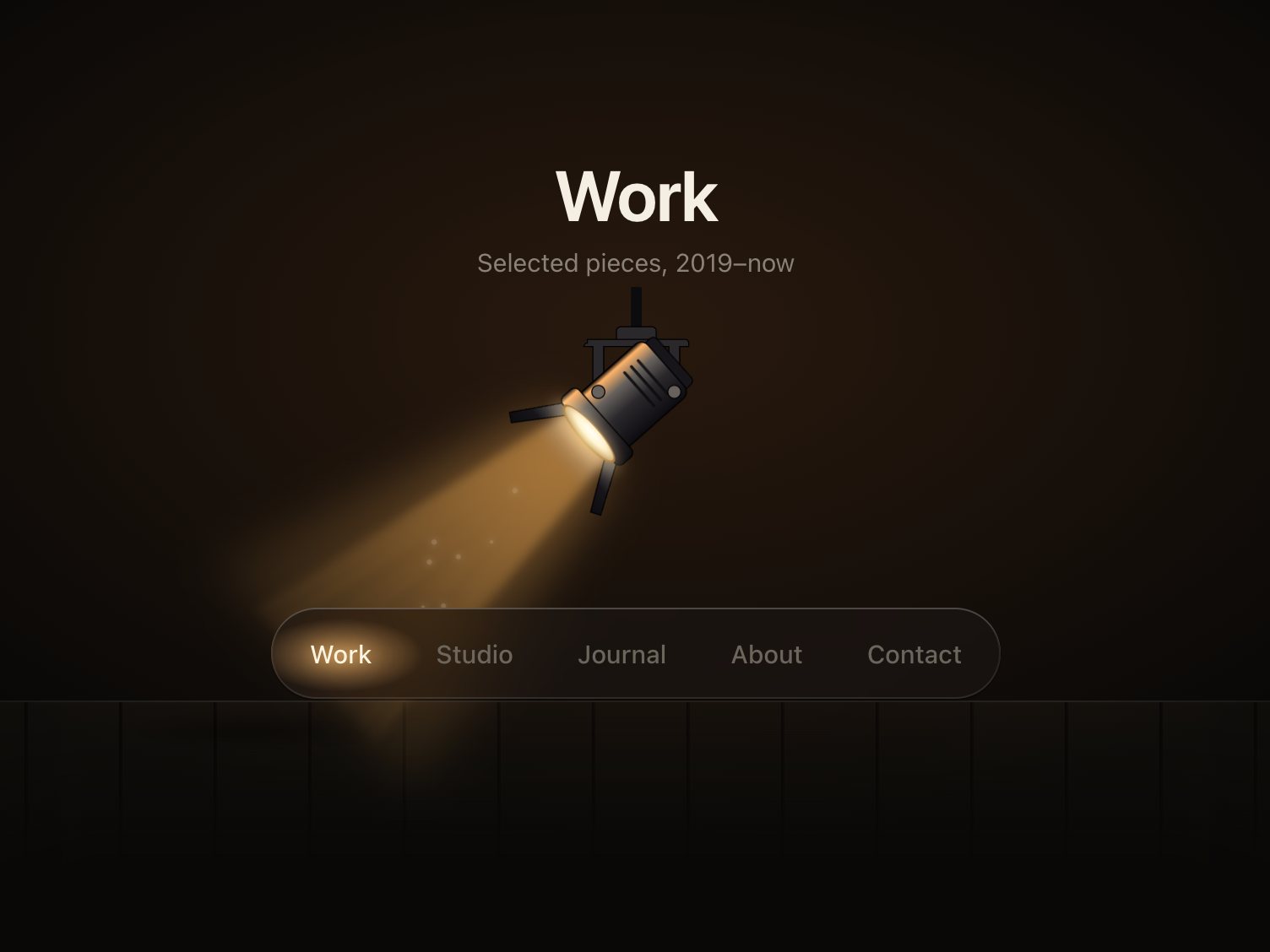
travel = 560, // ms, sets the spring's stiffness: with the default settle the beam is within 10% of// the link after ~0.35 s, strikes at ~0.33–0.4 s and is fully still after ~0.9–1.2 s
settle = .12, // 0–.4, how much the lamp overshoots and settles on arrival
} = {}) {
const $ = s => root.querySelector(s);
const head = $('.fresnel-head');