
Bundles save up to 25%. See every bundle

Code Boss
Dark

Liquid glass generator

Drag the glass across the scene and watch its edges bend what’s behind it. Copy CSS that already handles dark mode and accessibility settings.

Lisbon, May34 photos, shared with 3 people
Continue
Backdrop

Your image stays in your browser. Nothing is uploaded.

Presets
Shape
Material
Refraction
Light
Shape

Your code

All six presets in one folder

Clear, Frosted, Bubble, Tinted, Smoke and Ice as ready classes, with the refraction script and an example page. It’s free: checkout asks for your email and sends the download link there.

Download opens soon.
liquid-glass.css
All six presets, one class each, with dark mode and fallbacks
liquid-glass.js
The edge refraction script
index.html
Every preset over a busy backdrop
README.md
Classes, attributes, browser support
LICENSE.md
Use it in any project
package.json
Vite setup: npm install, then npm run dev
vite.config.js
Opens the example in your browser

What the CSS already handles

Dark mode
A darker fill and dimmer rims, so the glass doesn’t turn to plastic at night.
Reduce transparency
A solid fill in the same colour for people who switch translucency off.
Older browsers
The same solid fill where backdrop-filter isn’t supported.
High contrast
A real border in Windows forced-colours mode.
Edge refraction
Added by a small script in Chromium browsers. Without it, the glass stays frosted.

Made of the same glass

Components from the store that move as well as they look: springs, drag, keyboard, both themes. Plain HTML, CSS and JavaScript.

Dew

$5

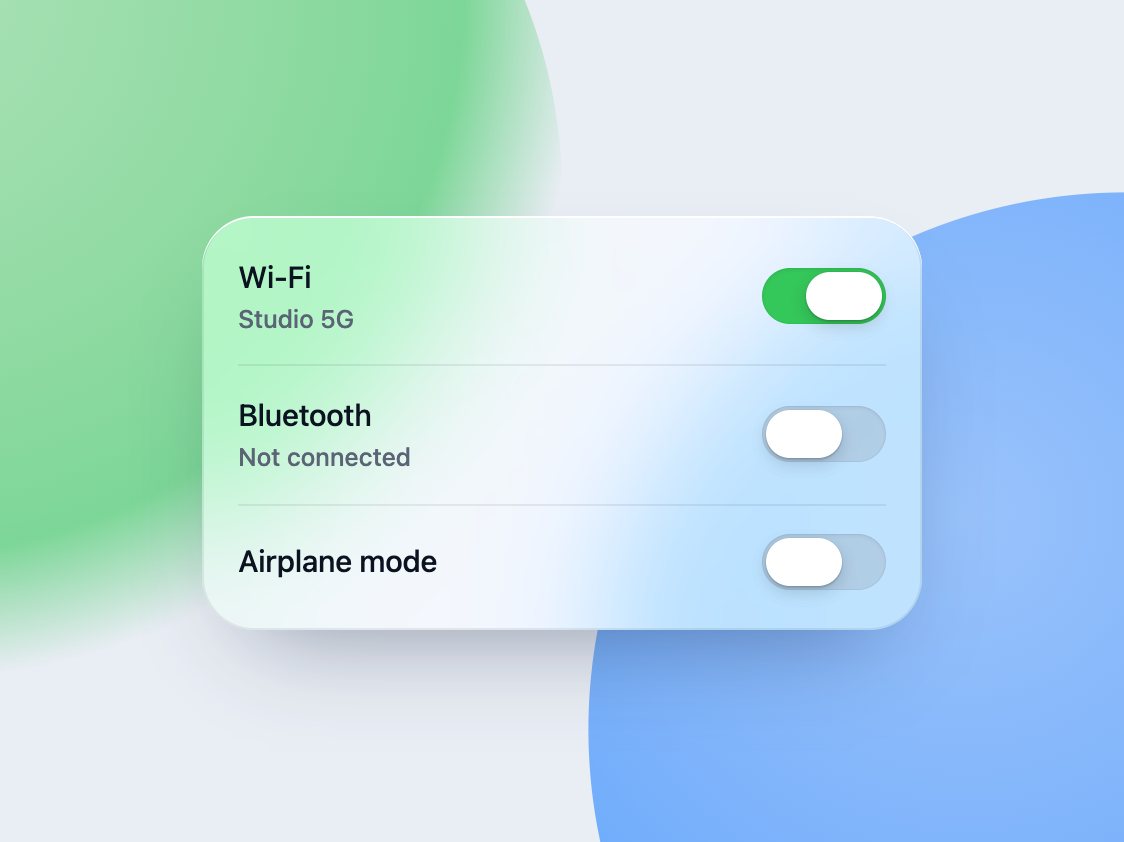
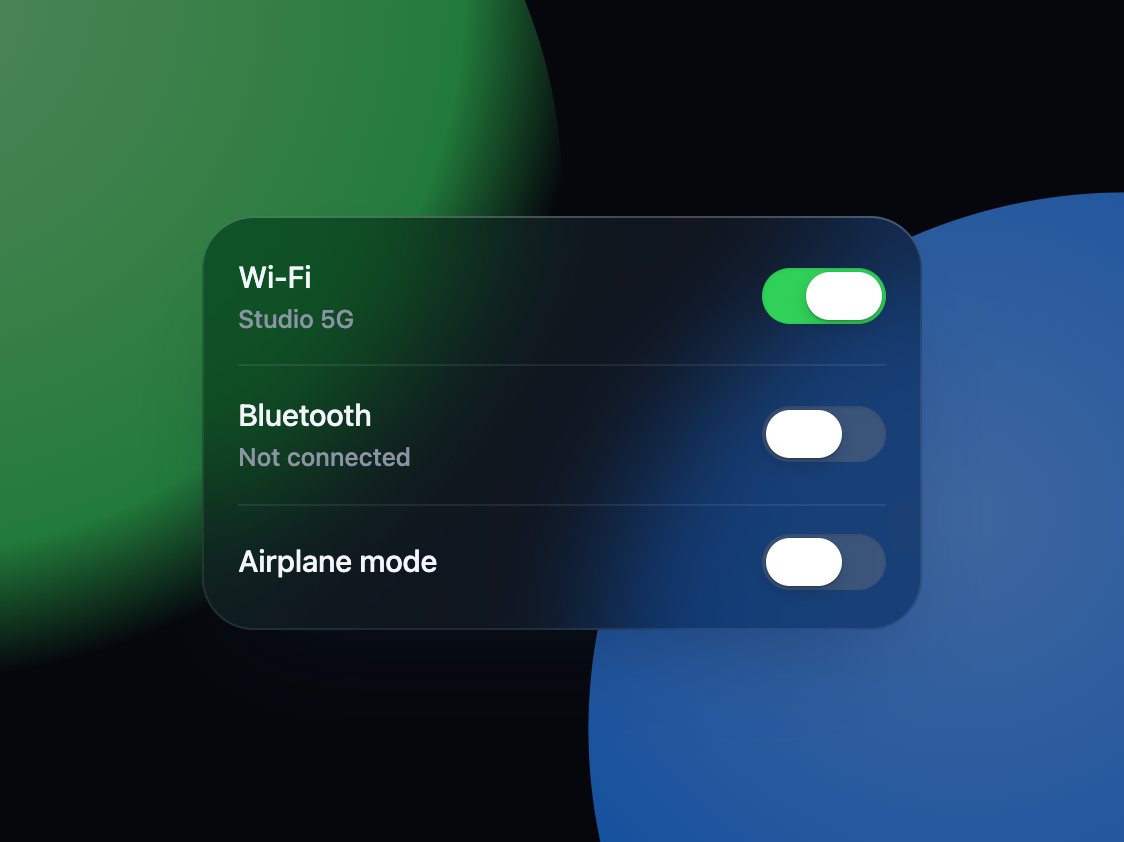
A switch whose knob turns into a drop of glass while you hold it

2.1 KB0 depsToggles

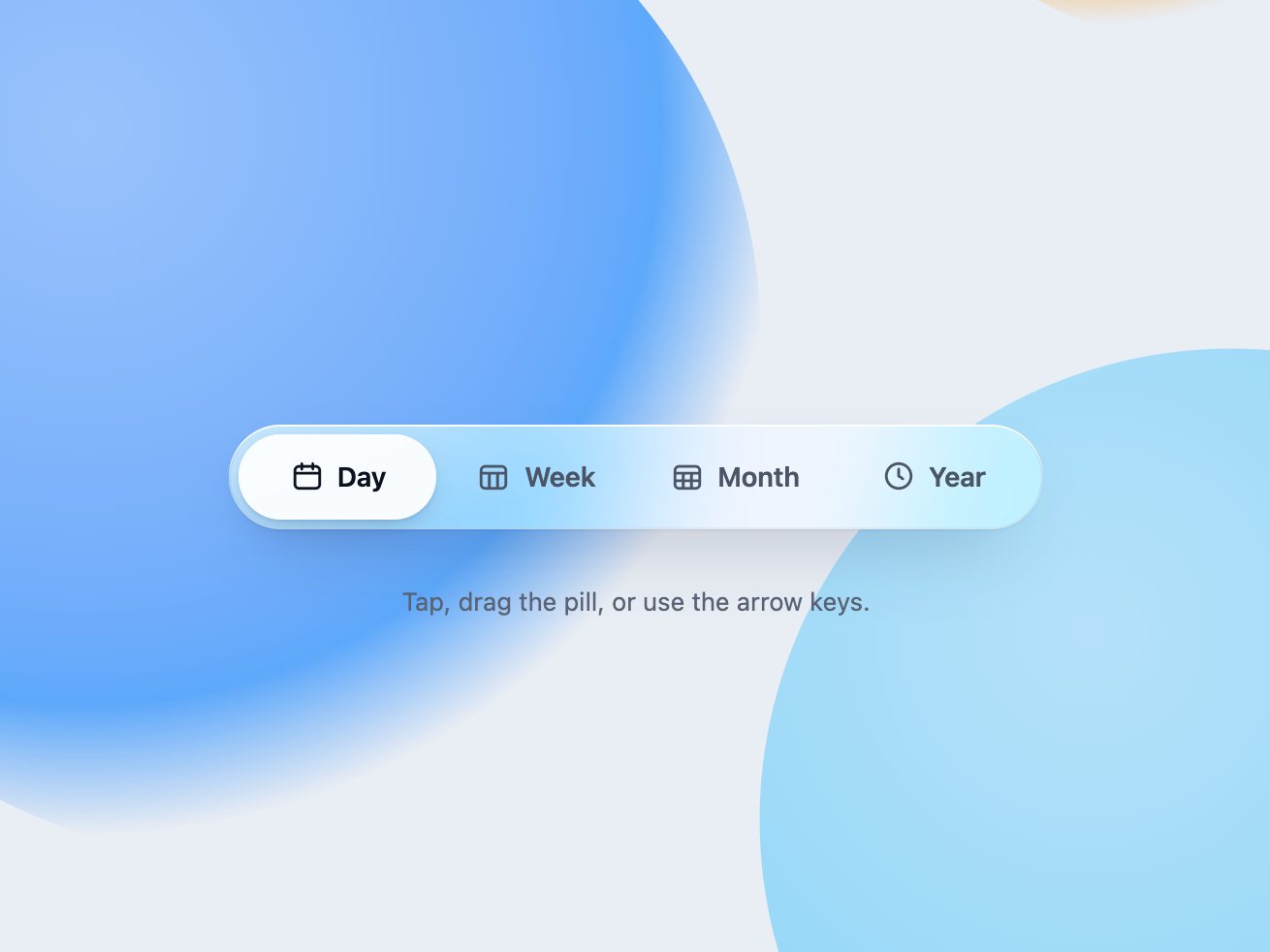
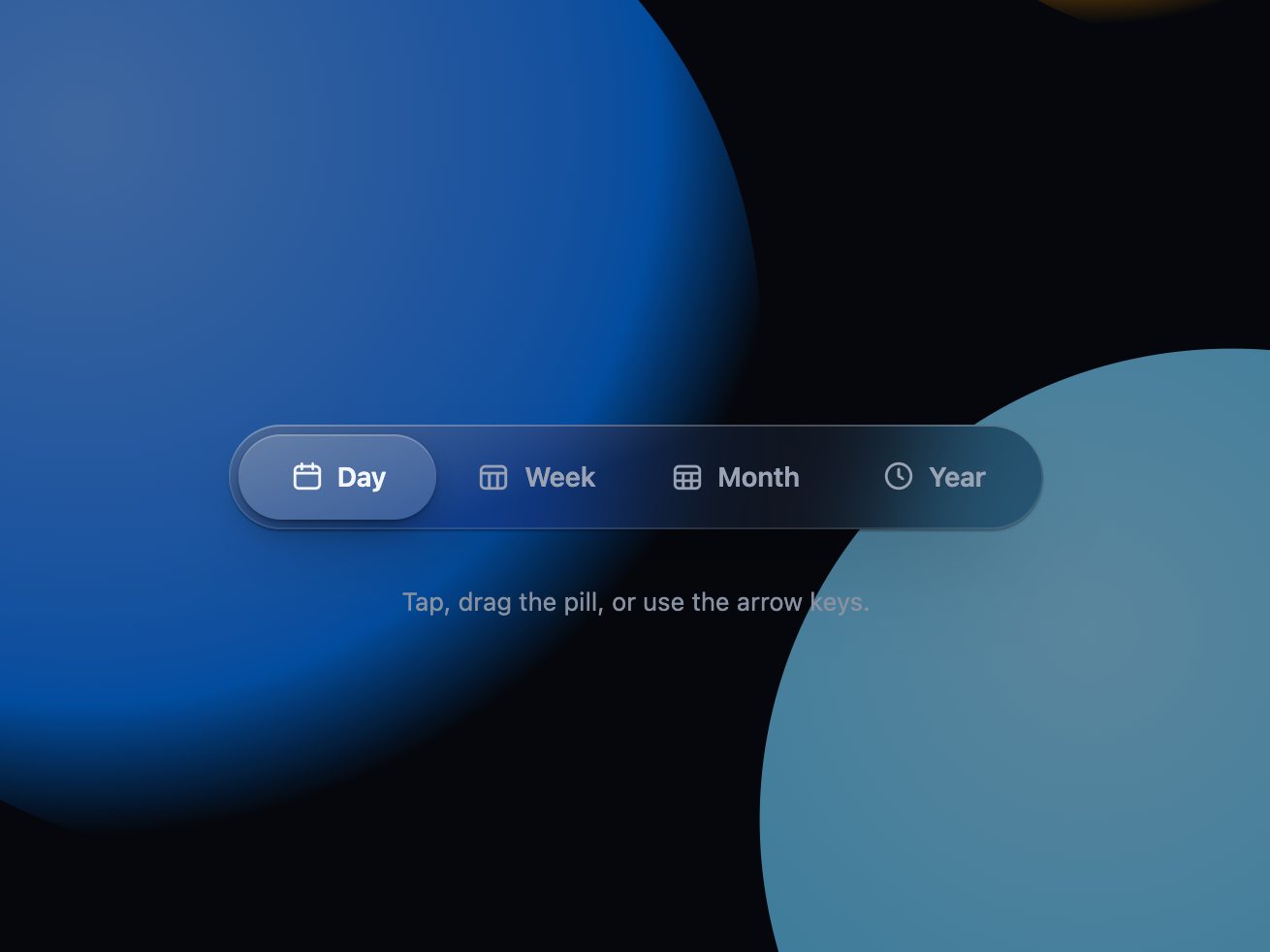
A glass segmented control whose pill stretches like a drop of water

3.2 KB0 depsNavigation

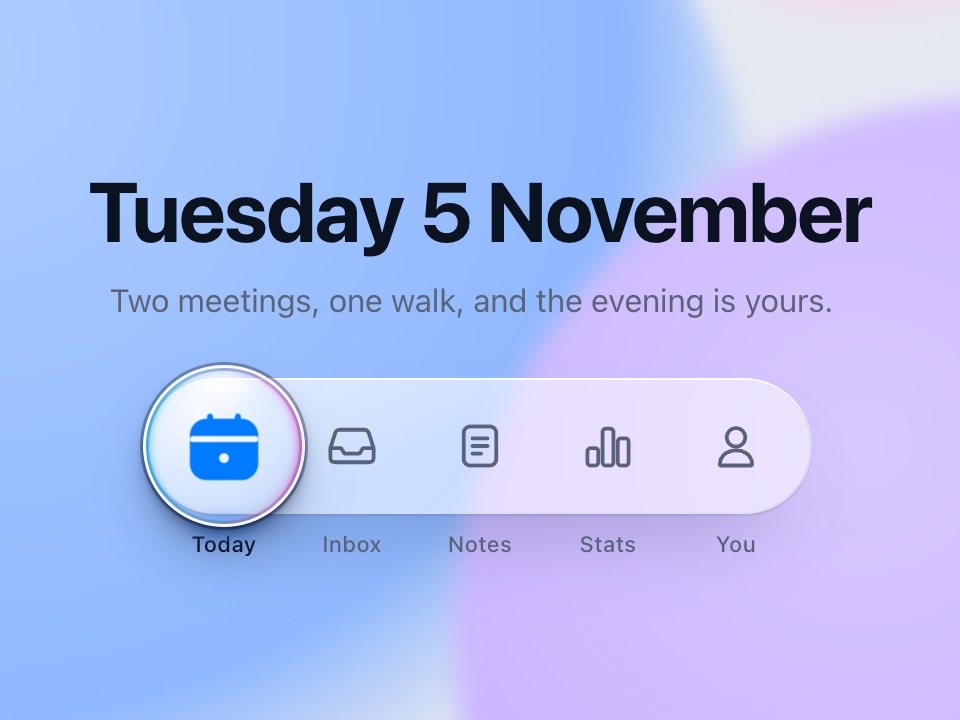
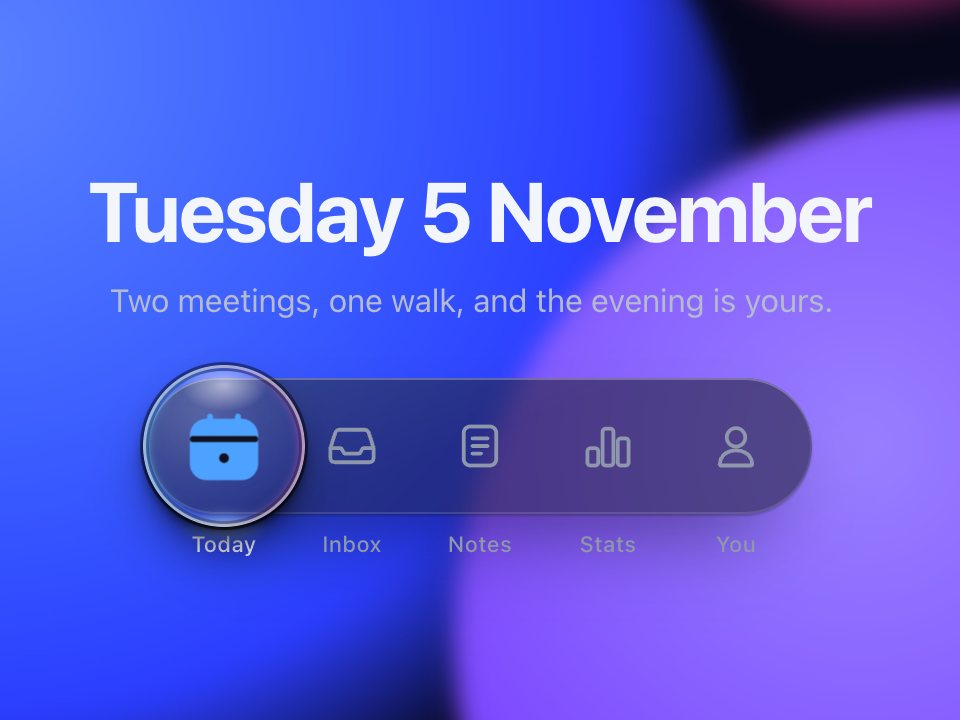
A glass tab bar where a lens slides over the active tab and magnifies what's under it

7.8 KB0 depsNavigation

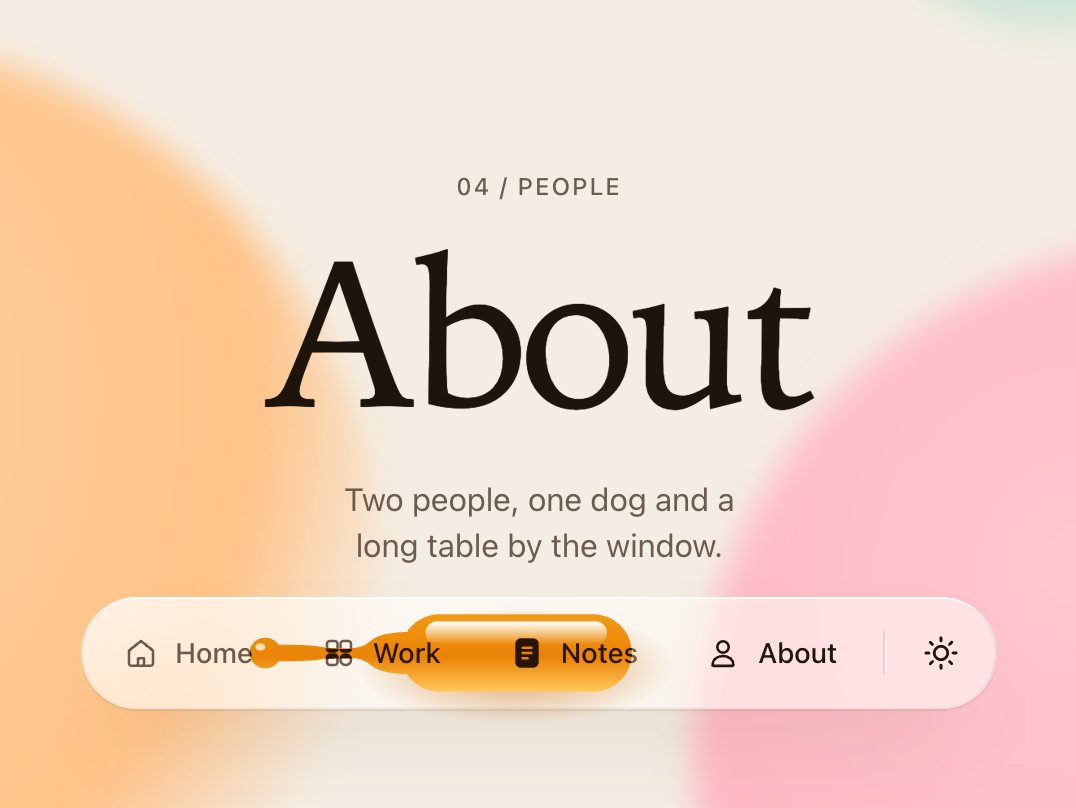
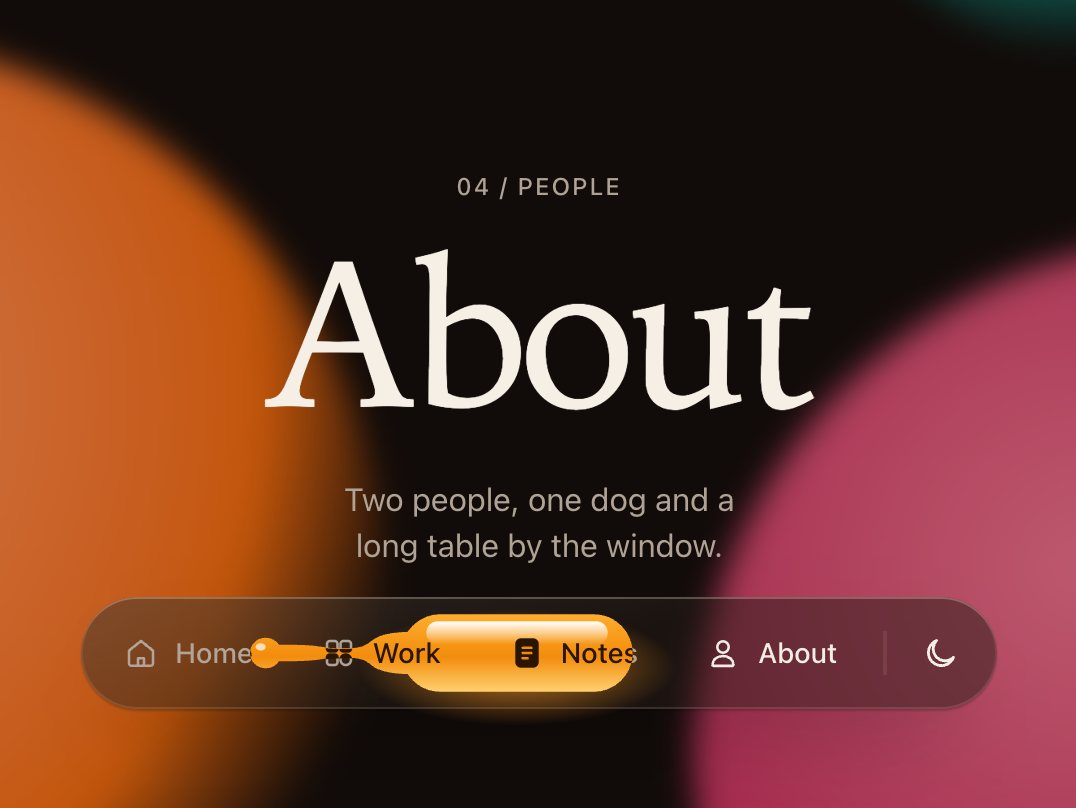
A glass navigation bar whose highlight pours from link to link like honey

9.2 KB0 depsNavigation

Questions

Is it free to use in client work?

Yes. Copy the CSS and the script into any project, commercial or not. No sign-up and no credit required.

Which browsers bend the edges?

Chrome, Edge, Opera and other Chromium browsers. Safari and Firefox don’t apply SVG filters to backdrop-filter, so they show the same glass frosted, without the bend. The CSS needs no changes for that: liquid-glass.js only adds the refraction where it works.

What happens when someone turns on Reduce transparency?

The glass turns into a solid surface in the same colour, in both themes. Browsers without backdrop-filter get the same solid fill, and Windows high contrast mode gets a real border.

How does the refraction work?

The script draws a displacement map for the element’s exact size and corner radius: flat in the middle, steep across the edge. An SVG feDisplacementMap uses it to shift the backdrop, and a resize observer redraws it when the element changes size. Colour split runs the shift three times, once per colour.

Does it slow the page down?

Every blurred surface costs the browser a pass over what is behind it. Use refraction on one or two hero elements, like a tab bar or a dock, and plain frosted glass for the rest.

Your cart

Your cart is empty. Browse components

Full screen