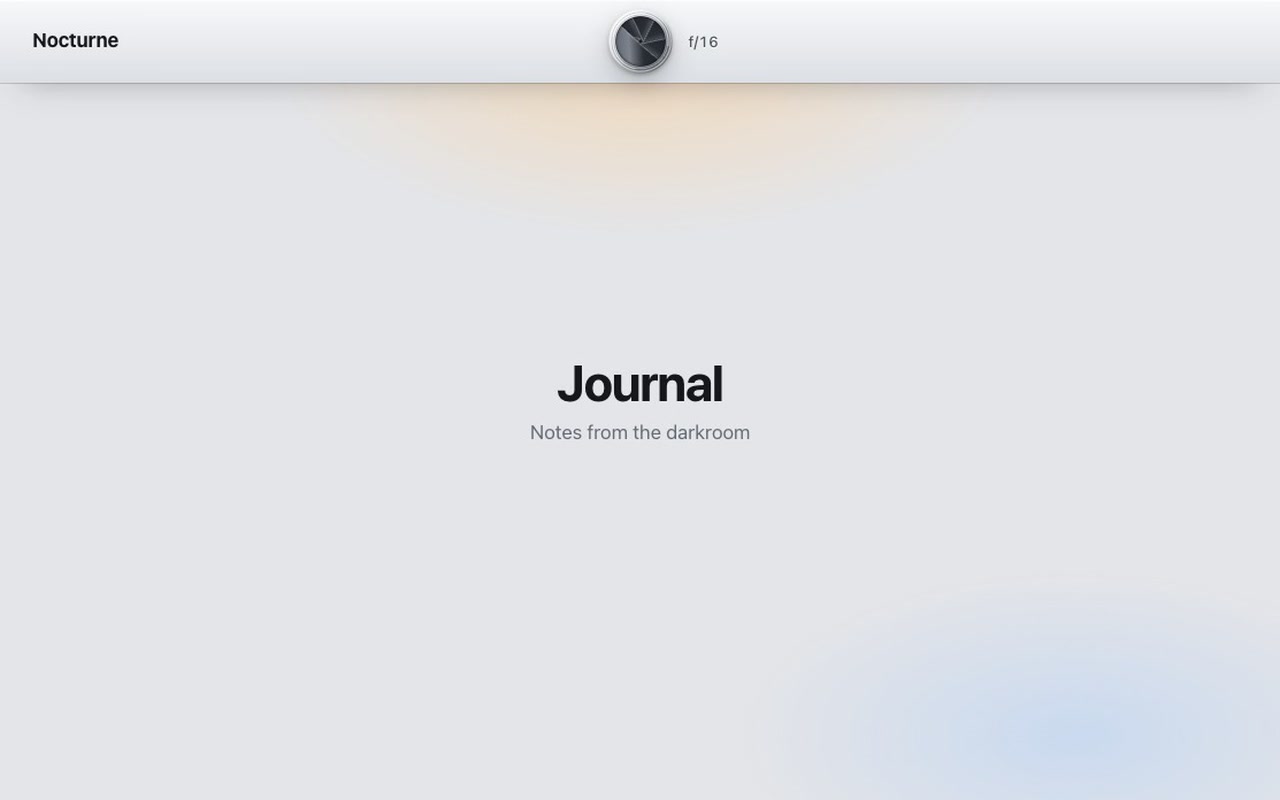
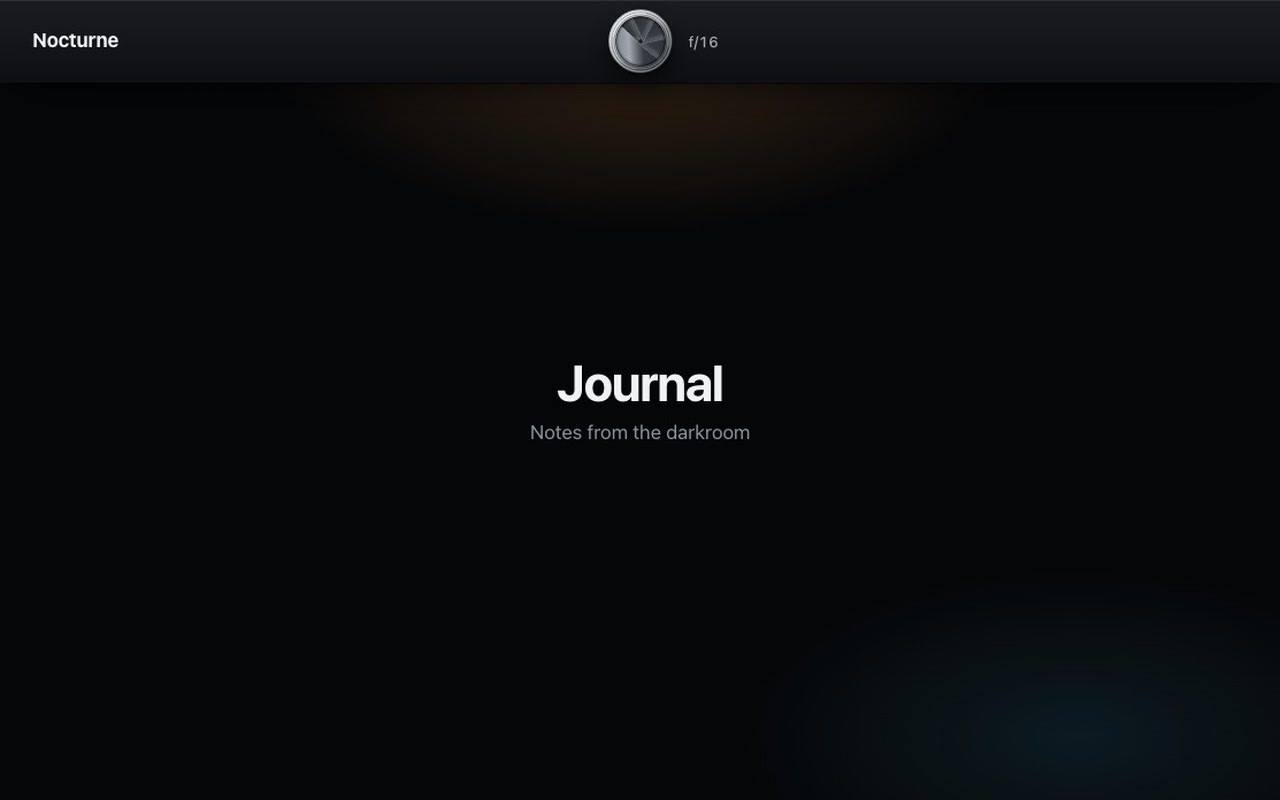
A round menu button set into a camera top plate: an aluminium ring with machined grooves and a seven-blade iris of dark steel, stopped down to a pinhole. Press it and a large copy of the lens flies out of the button to the middle of the screen, its blades turn open one after another and the first links appear in the hole; then the lens rushes towards you until the hole fills the screen and the menu is all that is left. The f-number engraved next to the button counts down from f/16 to f/1.4 as it opens, and when the last blade lands a flare crosses the ring and the number ticks. Or pull the button down and the iris opens with your finger, frame by frame, and finishes on its own when you let go. On the open menu, slide a finger over the links to light them up and let go on one to choose it, or swipe up to shut. Press again or pick a link and the blades slam shut, the lens pulls back and flies into the button, and the screen flashes once, like a shutter; Esc shuts it with a quick fade.
Good for
Photographers, studios, agencies, film and camera brands, portfolio and campaign sites, any site that wants a full-screen menu with a mechanical feel.
How it works
The iris is one inline SVG. The script draws a second copy of it over the page, moves and scales it from the button to the middle of the screen and on until the hole covers the viewport, and turns each blade about its own pivot with a 25 ms lag between blades; the menu is clipped to the hole the blades leave. One number drives the blades, the lens, the clip and the readout, so opening while it shuts, or the reverse, continues from where the blades are. A drag sets that number straight from the pointer (220 px from shut to open), and on release it carries on at the speed the finger let go with; a flick decides the direction. Pointer Events with pointer capture, so it works the same with a mouse and on touch.
How to use
Copy two files, paste the markup, change the five links, call init(). Pass your page wrapper as push and it sinks back and dims while the menu is open. Gestures are on by default; drag: false turns them off.
Specs
Price
$5, one payment
Version
1.0.0
Code size
11.9 KB gzipped
Dependencies
None
Built with
HTML, CSS, JavaScript, SVG
Category
Navigation
Licence
Unlimited personal and client projects
In the zip
aperture.cssaperture.jsthe component
index.htmla plain example page with the iris markup
Copy aperture.css and aperture.js into your project.
Add the markup from index.html (the block between the COMPONENT comments): a top plate with your brand link, the round button with its SVG iris, the f-number readout, and the menu with your links. Change the link text and hrefs; add or remove <li> items as you like.
Start it:
import { init } from './aperture.js';

const menu = init(document.querySelector('.aperture'), {
  push: document.querySelector('.page'),            // optional: sinks back and dims while the menu is open
  onSelect: (index, href, event) => console.log(index, href),
});
The menu is a dialog: the button carries aria-expanded and aria-controls, the menu role="dialog" and aria-modal, and it is inert while shut. Open it with the button, close it with the button, Esc, a press on the background or by choosing a link.
The page behind: give the wrapper of your page content the class aperture-push and pass it as push. It is scaled to .96 around the middle of the screen and dimmed to 60 % while the menu is open. Keep the .aperture element outside that wrapper, because a transformed ancestor would break the fixed-position menu.
The full source, an example page and a README. No account, no framework.
Can I use it in client projects?
Yes, in unlimited projects. You can't resell or share the source itself.
Can I change the links?
Yes. They are plain <a> elements in a list; add or remove as many as you need. The footer line is optional.
Can I change the colours?
Yes. The ring, the blades, the lens interior, the plate, the menu and the accent each have their own variables, for light and dark separately.
Is it accessible?
The button is a real button with aria-expanded; the menu is a dialog that takes focus, traps Tab, walks the links with the arrow keys, shuts on Esc and hands focus back. Keyboard opening and closing is a short fade. With reduced motion the menu fades and the blades jump, with no flash; pulling the button still works as a fade that follows the finger.
Light and dark?
Both are designed: a silver plate with dark steel blades by day, a matte black body with an aluminium ring at night. With no theme set, the system setting applies.
Does it work on phones?
Yes. At 320 px the button is 48 px, the links are 28 px and the whole menu fits without scrolling. Pull, scrub and swipe work on touch, and the page does not scroll under them.
What if it doesn't work for me?
If it doesn't work like the demo, you get a refund within 14 days.
Still have a question? Email us. The person who made it answers.
exportfunctioninit(root, {
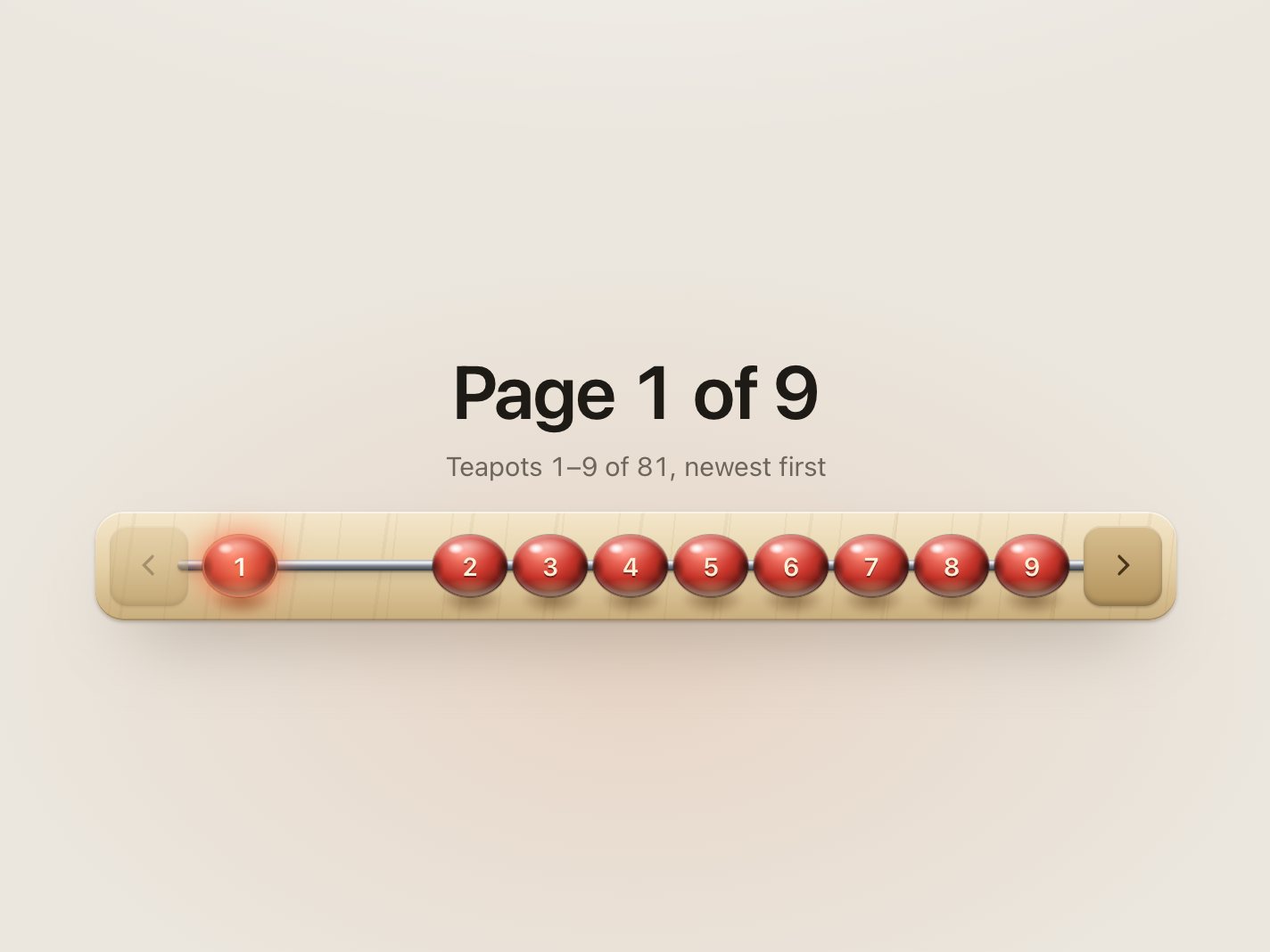
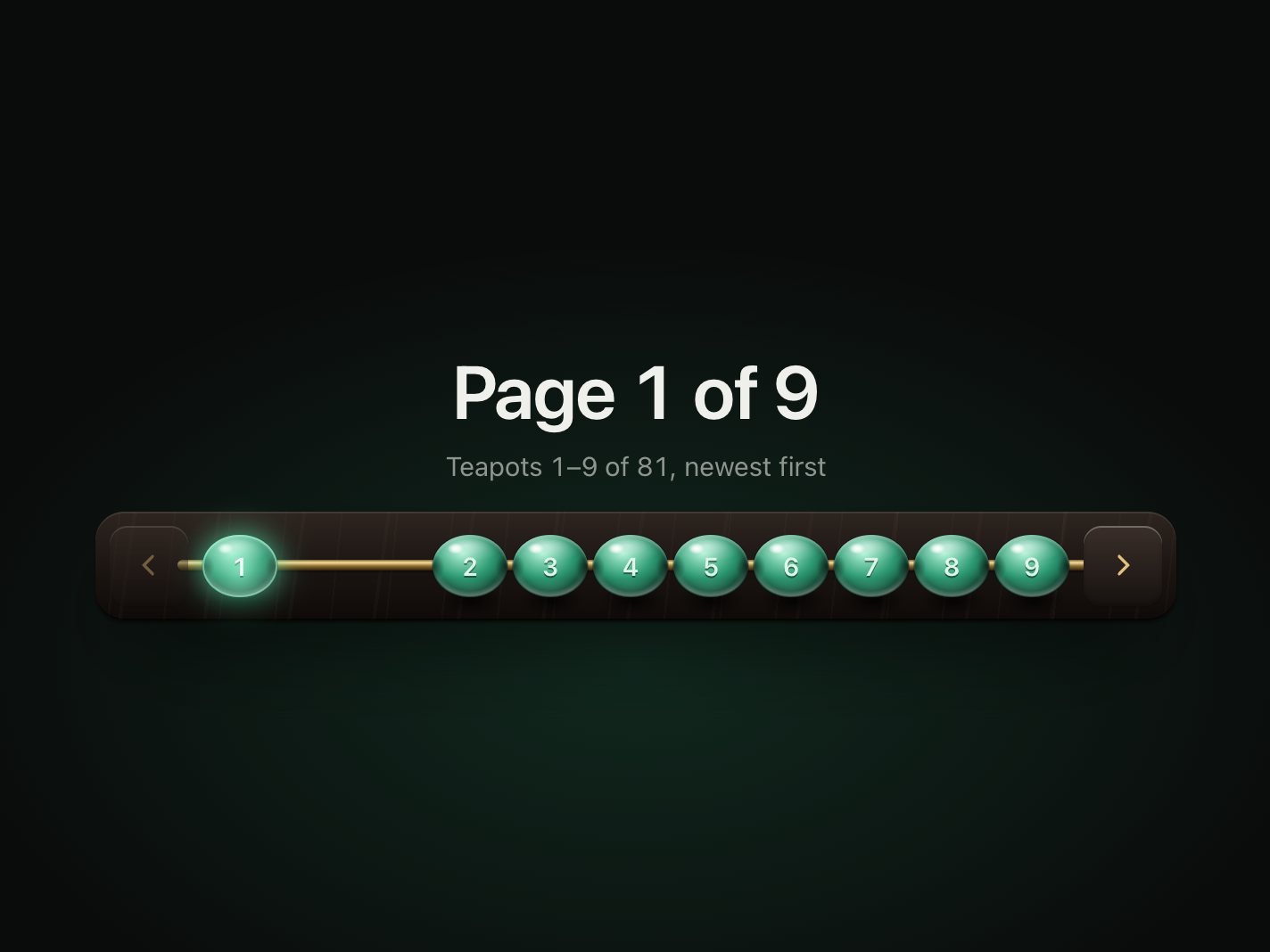
pages = 9,
page = 1,
window: win = 7, // beads shown at once when there are more than 12 pages (odd numbers work best)
onChange,
onPreview, // called while a bead is pulled, with the page it would land on
drag = true, // pull beads along the rod with a finger or the mouse
duration = 440, // ms a bead takes to cross the gap and settle
stagger = 40, // ms between beads in a chain
labels = {},
} = {}) {
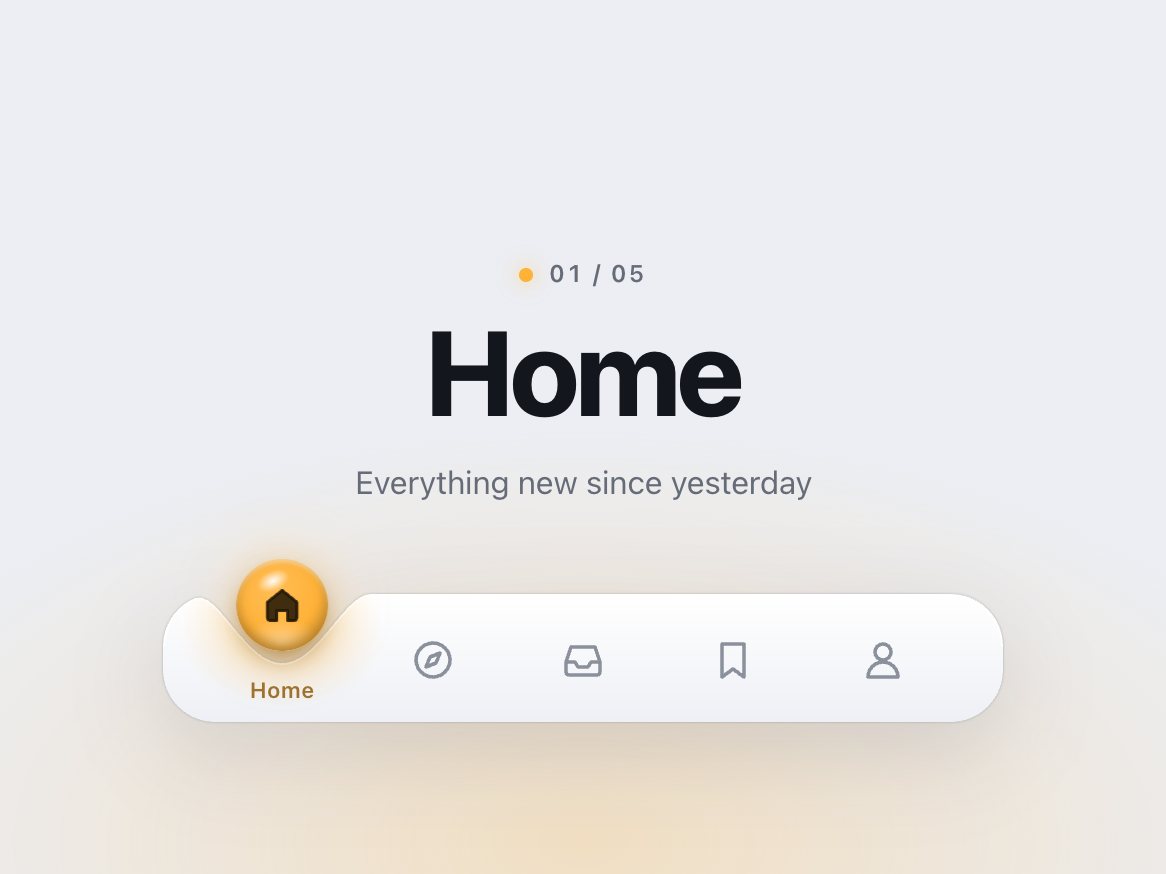
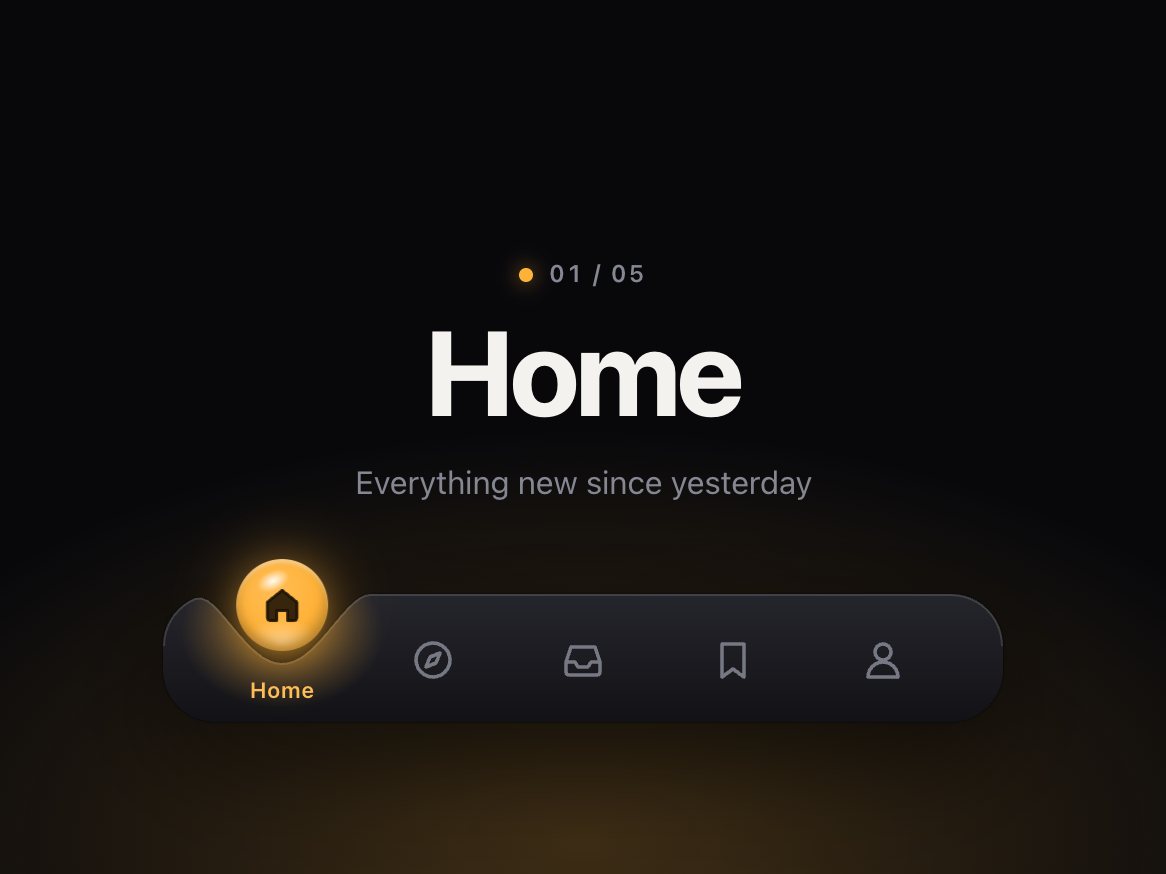
.dimple {
--dimple-h: 64px; /* the bar itself */--dimple-head: 30px; /* room above the bar for the drop to hop */--dimple-drop: 46px; /* drop diameter */--dimple-radius: 26px; /* bar corners */--dimple-width: 420px;
--dimple-font: -apple-system, "SF Pro Text", "Inter", system-ui, "Segoe UI", sans-serif;
--dimple-bar-top: #ffffff;
--dimple-bar-bottom: #eef0f5;
--dimple-rim: rgb(255255255 / .95);
exportfunctioninit(root, {
onChange, // (index, href) => void, when the chosen link changes
onPreview, // (index, href) => void, while dragging: the link the beam is over
followLinks = true, // a plain click follows the link once the lamp strikes on it
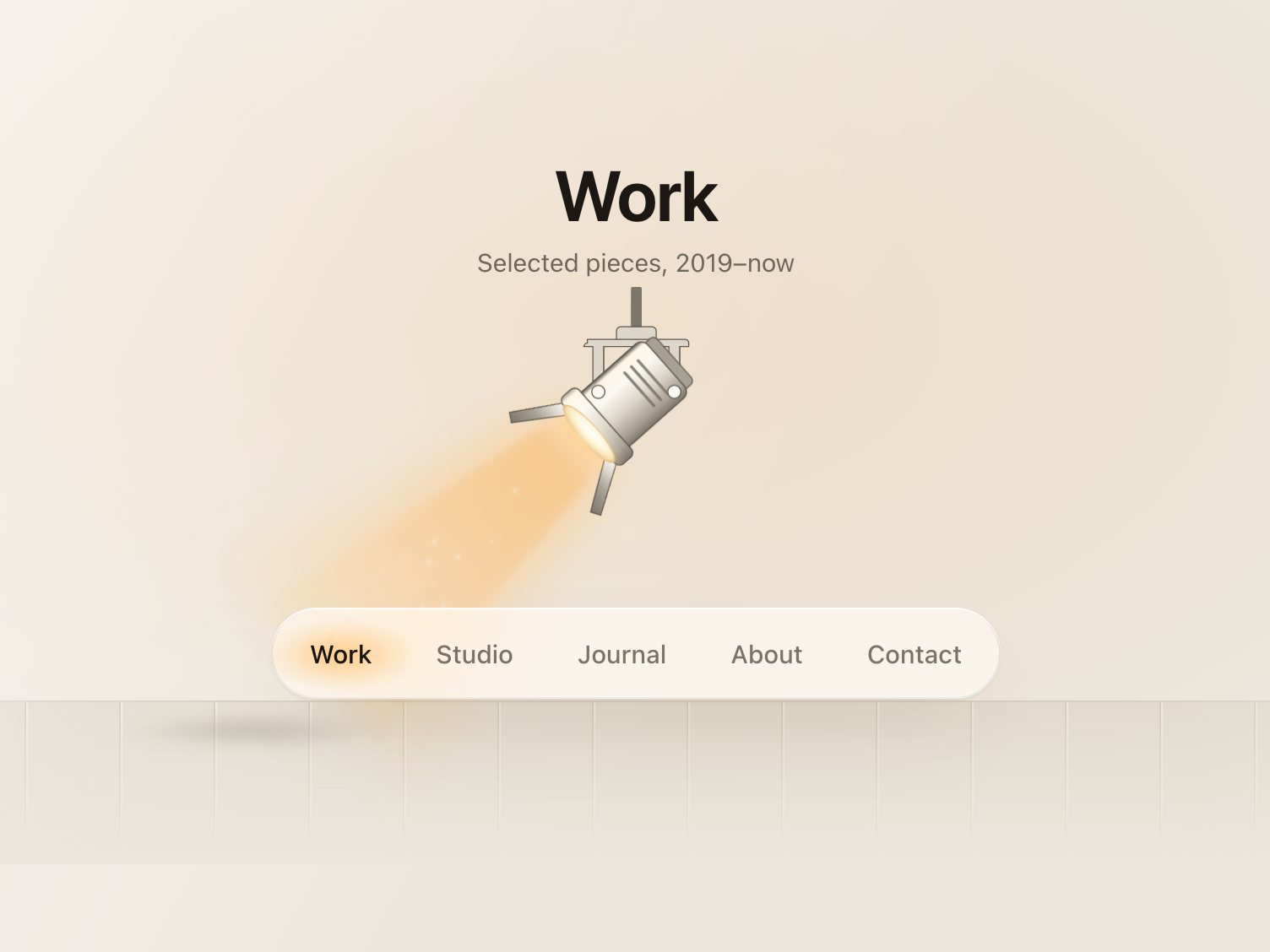
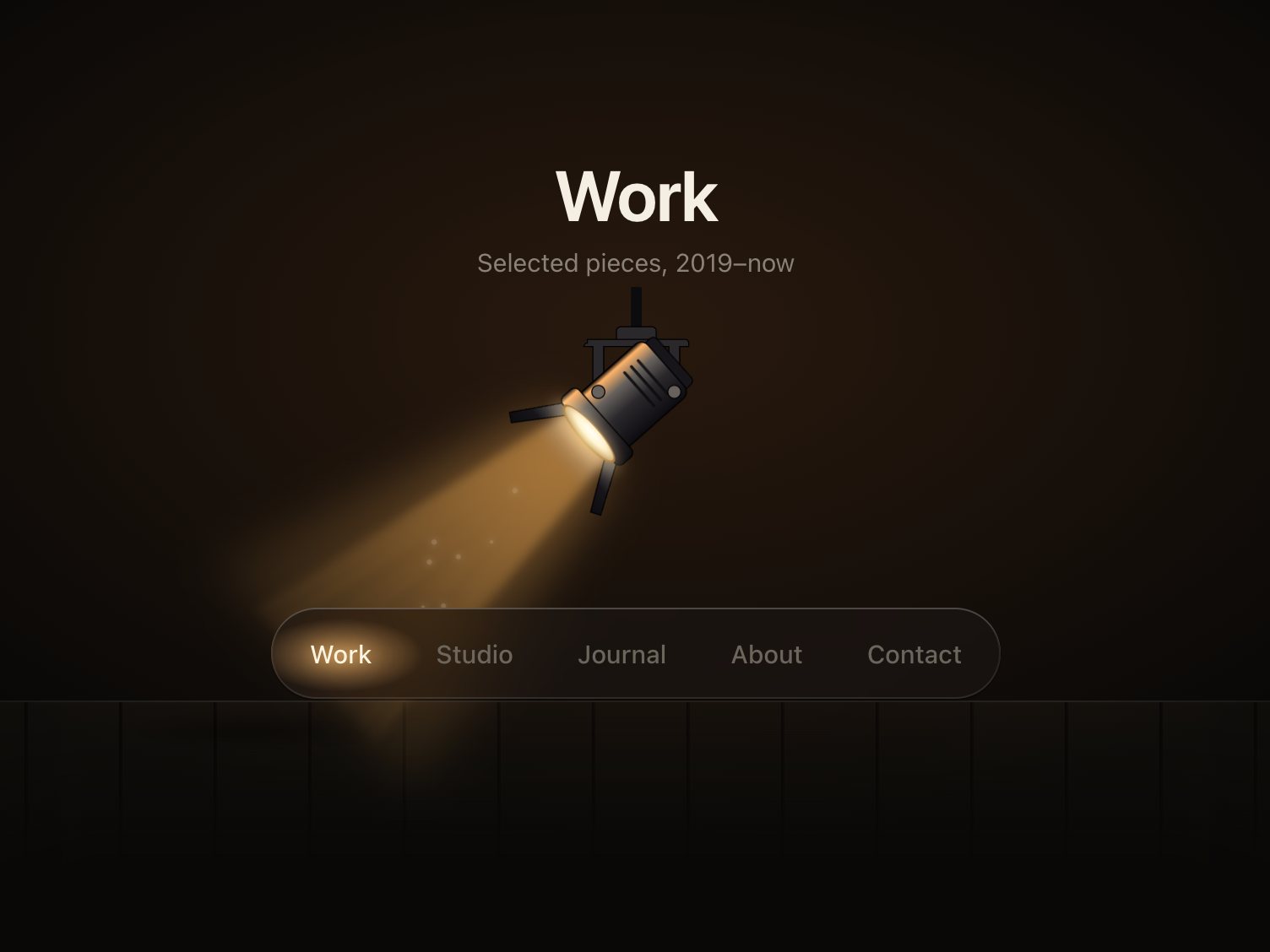
drag = true, // press and drag (or flick) along the bar to aim the lamp
travel = 560, // ms, sets the spring's stiffness: with the default settle the beam is within 10% of// the link after ~0.35 s, strikes at ~0.33–0.4 s and is fully still after ~0.9–1.2 s
settle = .12, // 0–.4, how much the lamp overshoots and settles on arrival
} = {}) {
const $ = s => root.querySelector(s);
const head = $('.fresnel-head');