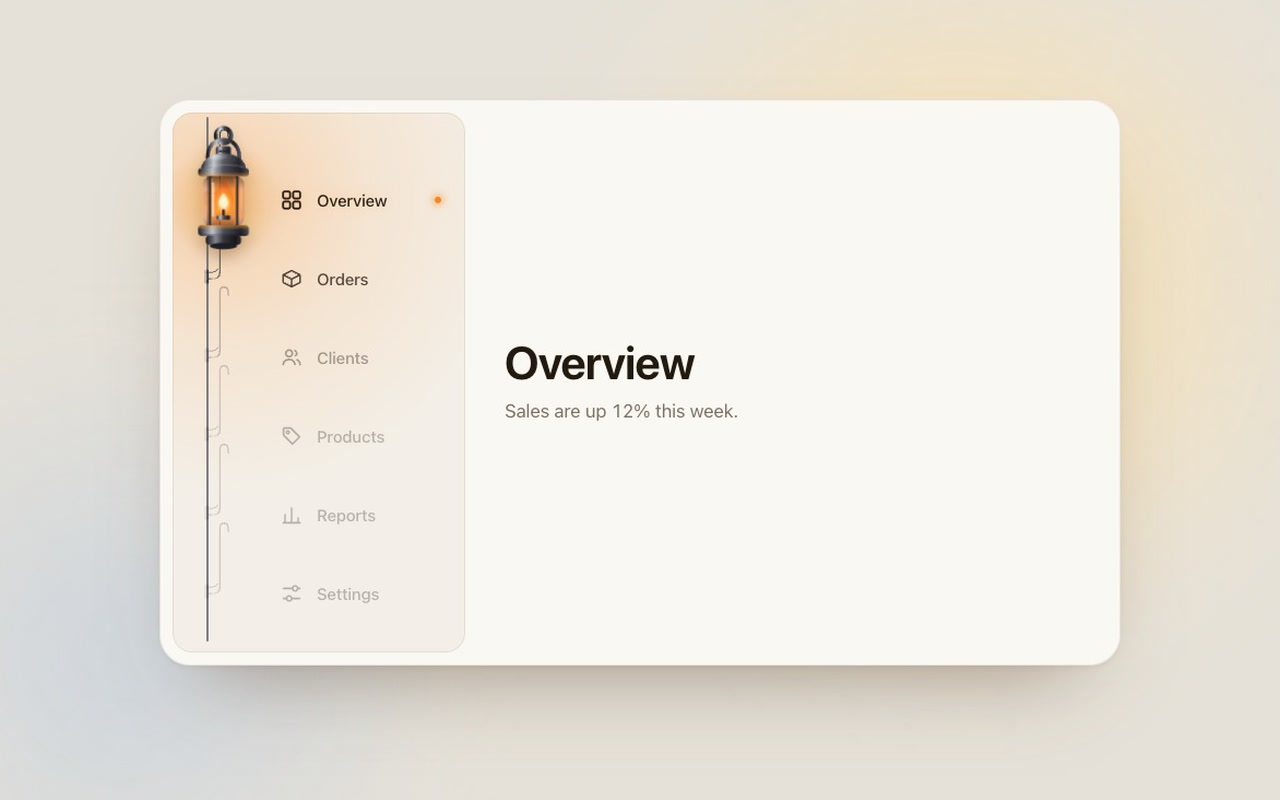
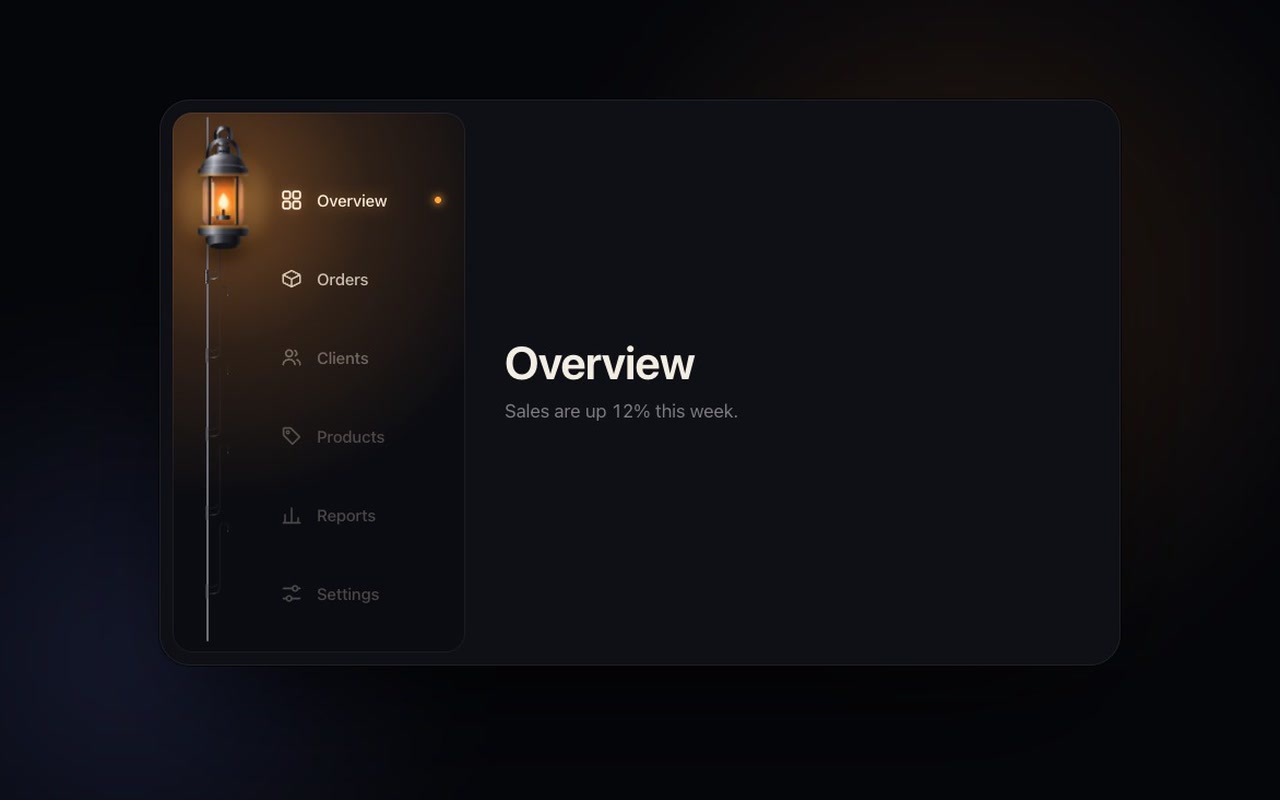
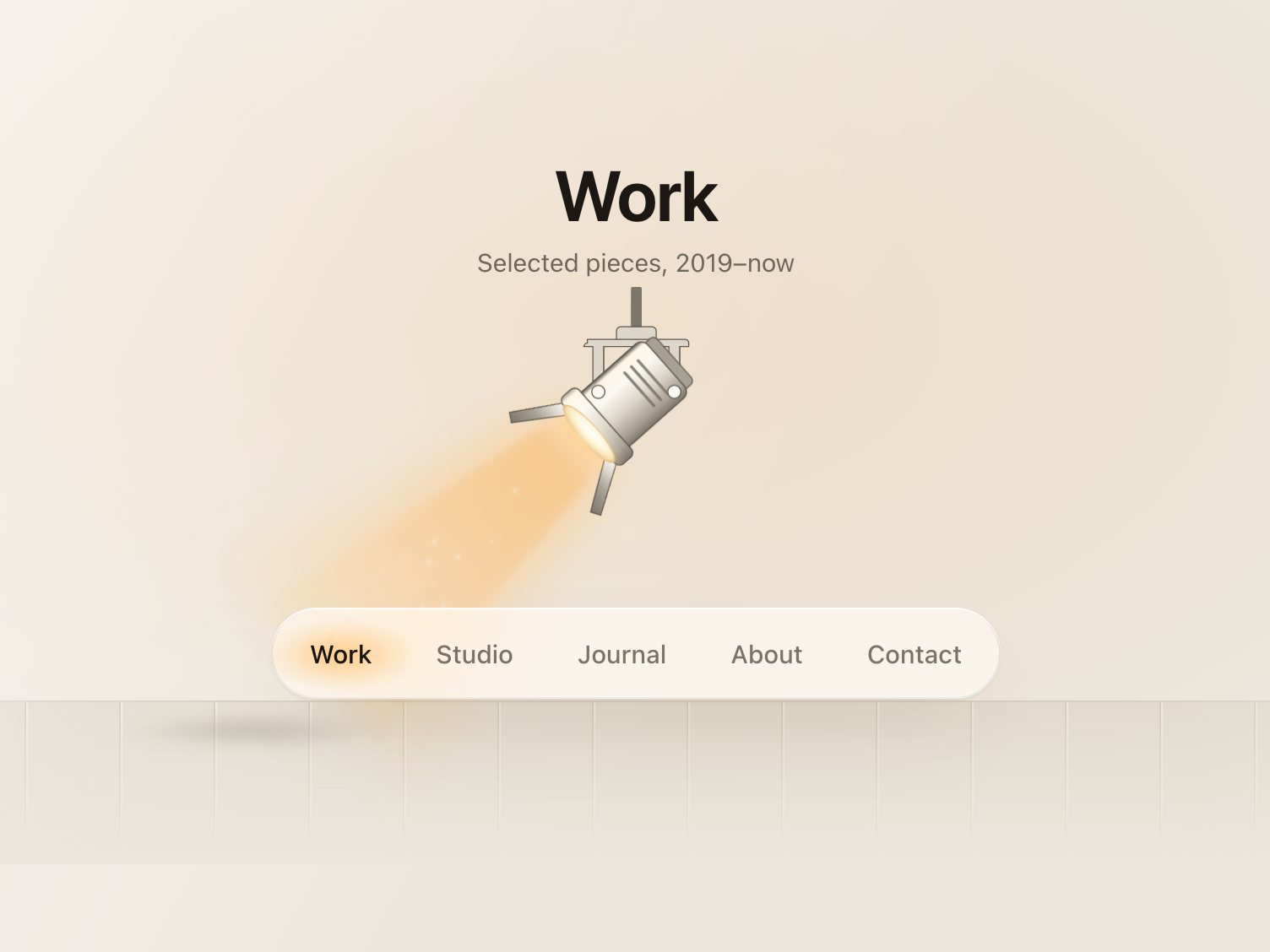
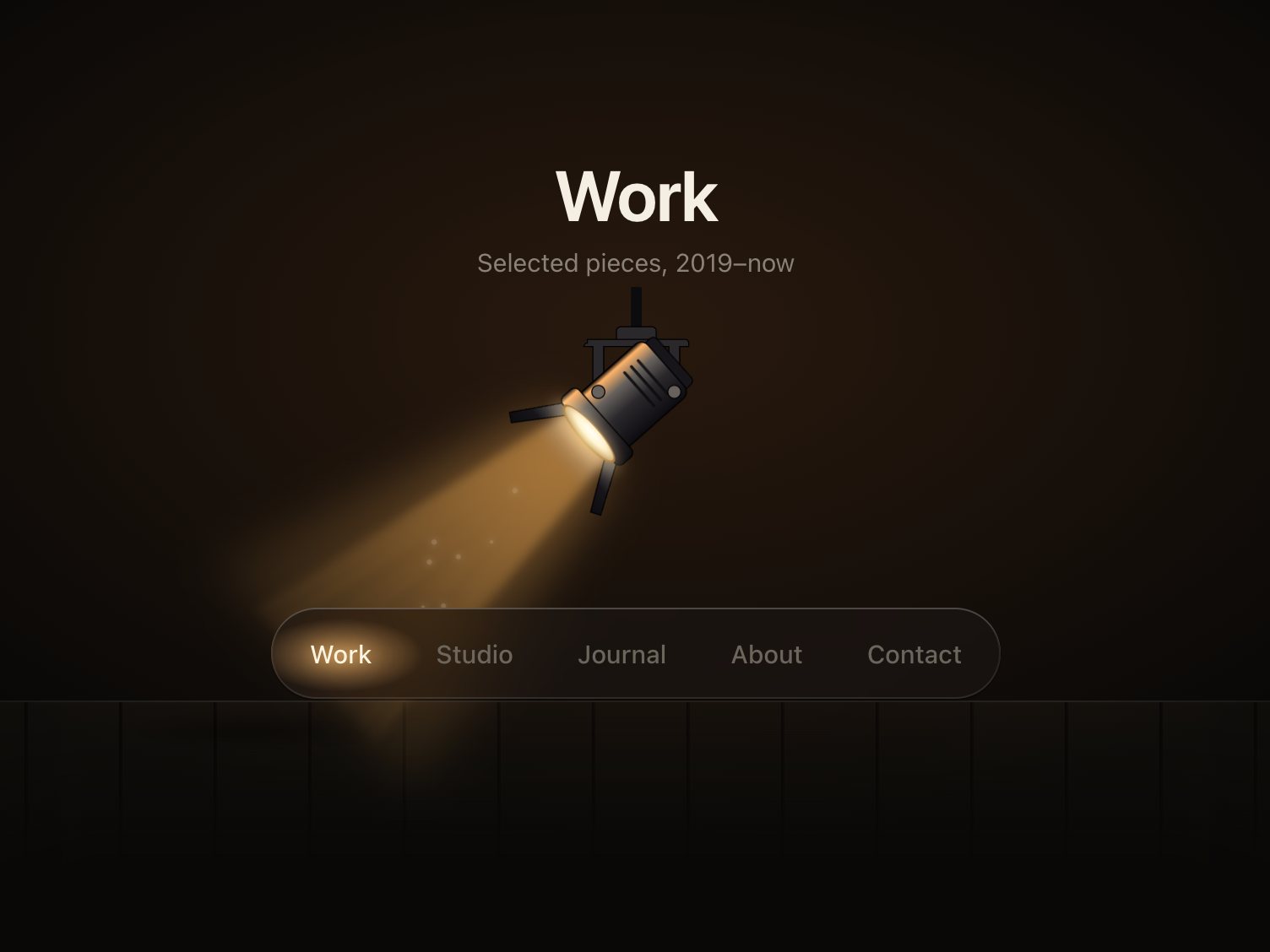
A dashboard sidebar with six links on an iron rail. Each item has its own iron bracket, riveted to the rail level with its label, and the lantern hangs from the bracket of the current page so its flame sits beside that label. Pick another item and the lantern lifts off its hook, travels down the rail swinging like a pendulum, and hooks onto the new one. Or take hold of it: drag it up and down the rail and it leans with your hand while its light slides over the labels. Its light moves with it: every label is lit by its distance to the flame, so the items near the lantern glow warm and the far ones fade back.
Good for
Admin dashboards, store back offices, internal tools, any app with a left sidebar.
How it works
The lantern and its light are drawn by the script on top of your plain list of links. Two springs drive it, one for the travel and one for the swing, so a new click mid-swing just changes the target. Drag the lantern, or anywhere on the sidebar, with a mouse or a finger: it follows 1:1, leans with the speed of the drag, and the light and label brightness follow live; past the first or last item it gives way with rubber-band resistance. Let go and it carries on at your speed to the item where the throw lands. A quick flick moves one item. When it hooks, the flame flares once, the light breathes wider, and the current item gets a small lit dot.
How to use
Copy two files, paste the markup, call init(). It fires onChange(index, href) when the page changes (once, on release for a drag) and onPreview(index) while you drag.
Specs
Price
$5, one payment
Version
1.0.0
Code size
10.5 KB gzipped
Dependencies
None
Built with
HTML, CSS, JavaScript
Category
Navigation
Licence
Unlimited personal and client projects
In the zip
lantern.csslantern.jsthe component
index.htmla plain example page
README.mdsetup, CSS variables, API, React notes
package.jsonvite.config.jsnpm installnpm run dev
LICENSE.md
Use it in your project
Copy lantern.css and lantern.js into your project.
Add the markup from index.html (the block between the COMPONENT comments): a <nav class="lantern"> with a list of .lantern-link links, each with an icon and a .lantern-label.
Mark the starting page with aria-current="page". The script adds a bracket for each item (riveted to the rail level with its label), the lantern and its light; your markup stays a plain list of links.
Links whose href starts with # don't navigate; the page change is yours to handle in onChange. Other links navigate as usual.
The full source, an example page and a README. No account, no framework.
Can I use it in client projects?
Yes, in unlimited projects. You can't resell or share the source itself.
Do I need React?
No. The README shows how to use it in React or Next.js.
Is it keyboard accessible?
Yes. It's a <nav> of real links with aria-current="page". Arrow keys, Home and End move focus; Enter or Space selects, with a short fade instead of the long swing. Dragging is an extra; everything works by click, tap and keyboard.
Does it work on phones?
Yes. Under 720 px it turns into a 76 px icon-only rail and the lantern still lights the icons. You can drag the lantern with a finger; a vertical drag on the sidebar doesn't scroll the page. Tested down to 320 px.
What about reduced motion?
The lantern fades to the new hook instead of travelling, the flame stops flickering, and the labels change brightness in 200 ms. Dragging still works, without the swing, rubber-band or flare.
Light and dark?
Both are included. It follows the system setting, or data-theme="dark" on the page or the sidebar.
What if it doesn't work for me?
If it doesn't work like the demo, you get a refund within 14 days.
Still have a question? Email us. The person who made it answers.
exportfunctioninit(root, {
pages = 9,
page = 1,
window: win = 7, // beads shown at once when there are more than 12 pages (odd numbers work best)
onChange,
onPreview, // called while a bead is pulled, with the page it would land on
drag = true, // pull beads along the rod with a finger or the mouse
duration = 440, // ms a bead takes to cross the gap and settle
stagger = 40, // ms between beads in a chain
labels = {},
} = {}) {
.dimple {
--dimple-h: 64px; /* the bar itself */--dimple-head: 30px; /* room above the bar for the drop to hop */--dimple-drop: 46px; /* drop diameter */--dimple-radius: 26px; /* bar corners */--dimple-width: 420px;
--dimple-font: -apple-system, "SF Pro Text", "Inter", system-ui, "Segoe UI", sans-serif;
--dimple-bar-top: #ffffff;
--dimple-bar-bottom: #eef0f5;
--dimple-rim: rgb(255255255 / .95);
exportfunctioninit(root, {
onChange, // (index, href) => void, when the chosen link changes
onPreview, // (index, href) => void, while dragging: the link the beam is over
followLinks = true, // a plain click follows the link once the lamp strikes on it
drag = true, // press and drag (or flick) along the bar to aim the lamp
travel = 560, // ms, sets the spring's stiffness: with the default settle the beam is within 10% of// the link after ~0.35 s, strikes at ~0.33–0.4 s and is fully still after ~0.9–1.2 s
settle = .12, // 0–.4, how much the lamp overshoots and settles on arrival
} = {}) {
const $ = s => root.querySelector(s);
const head = $('.fresnel-head');