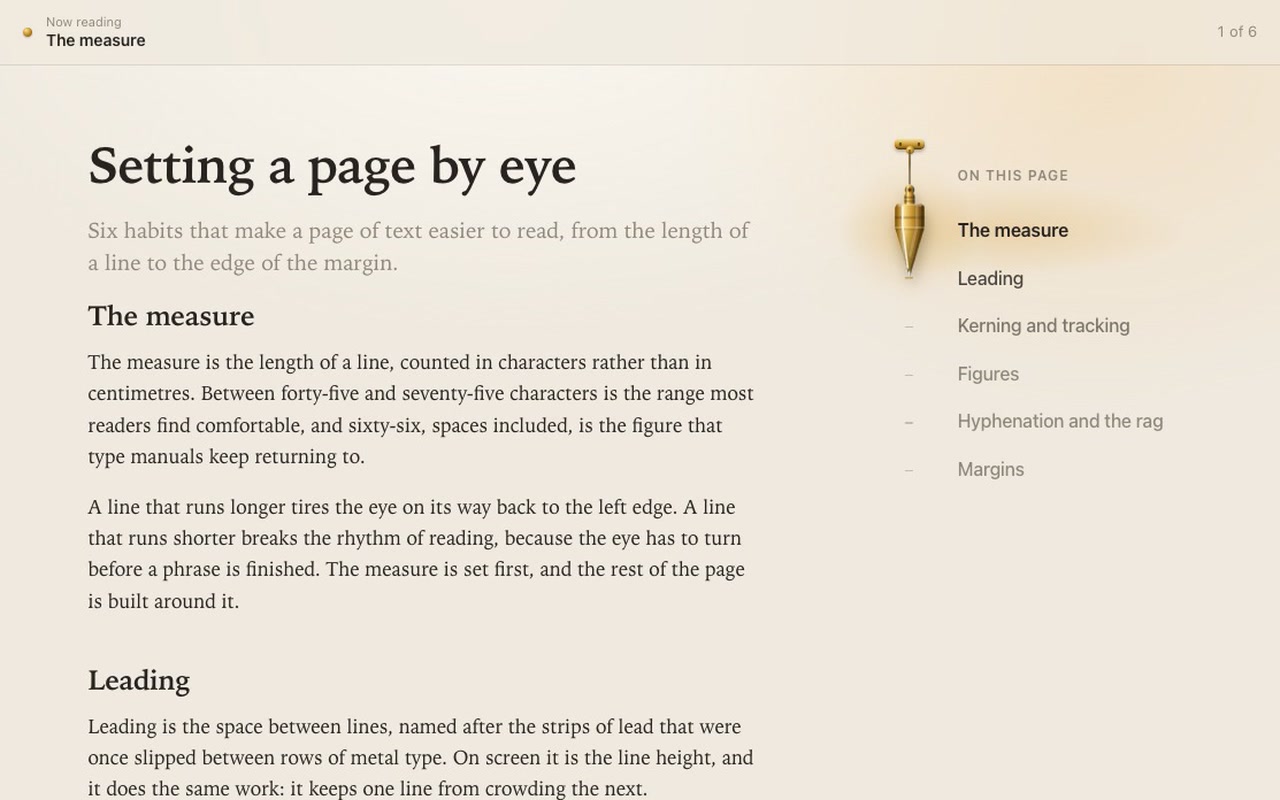
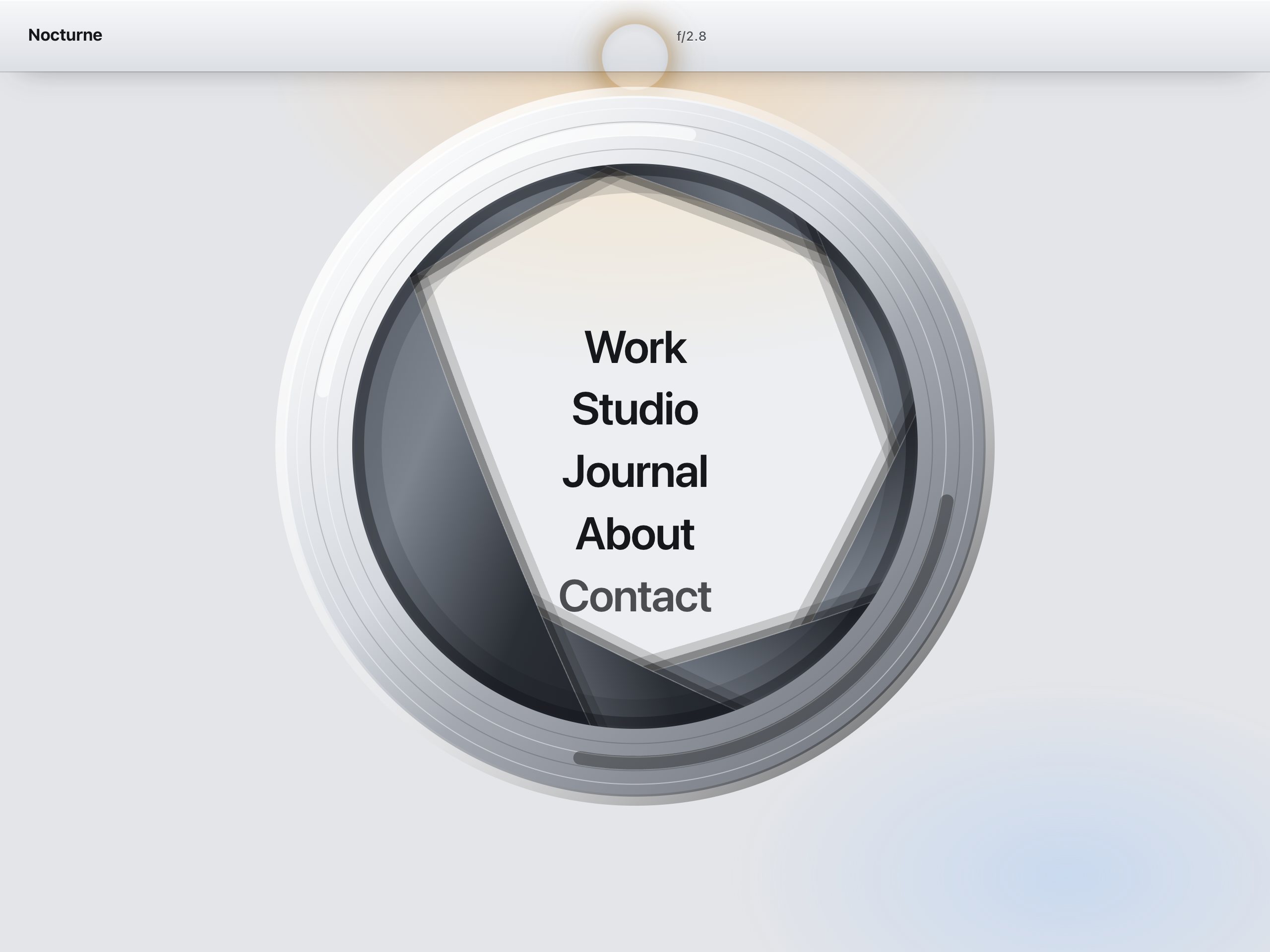
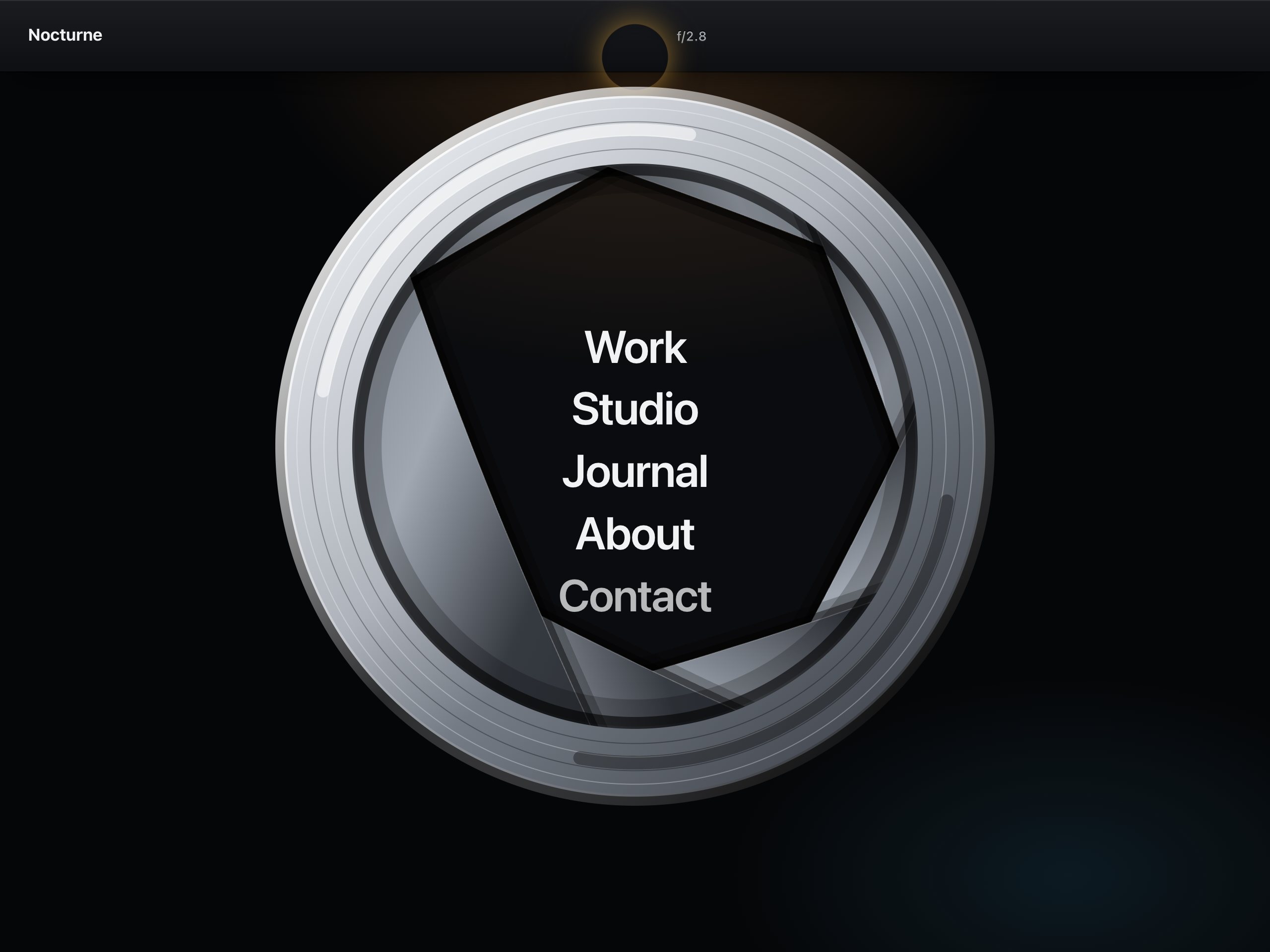
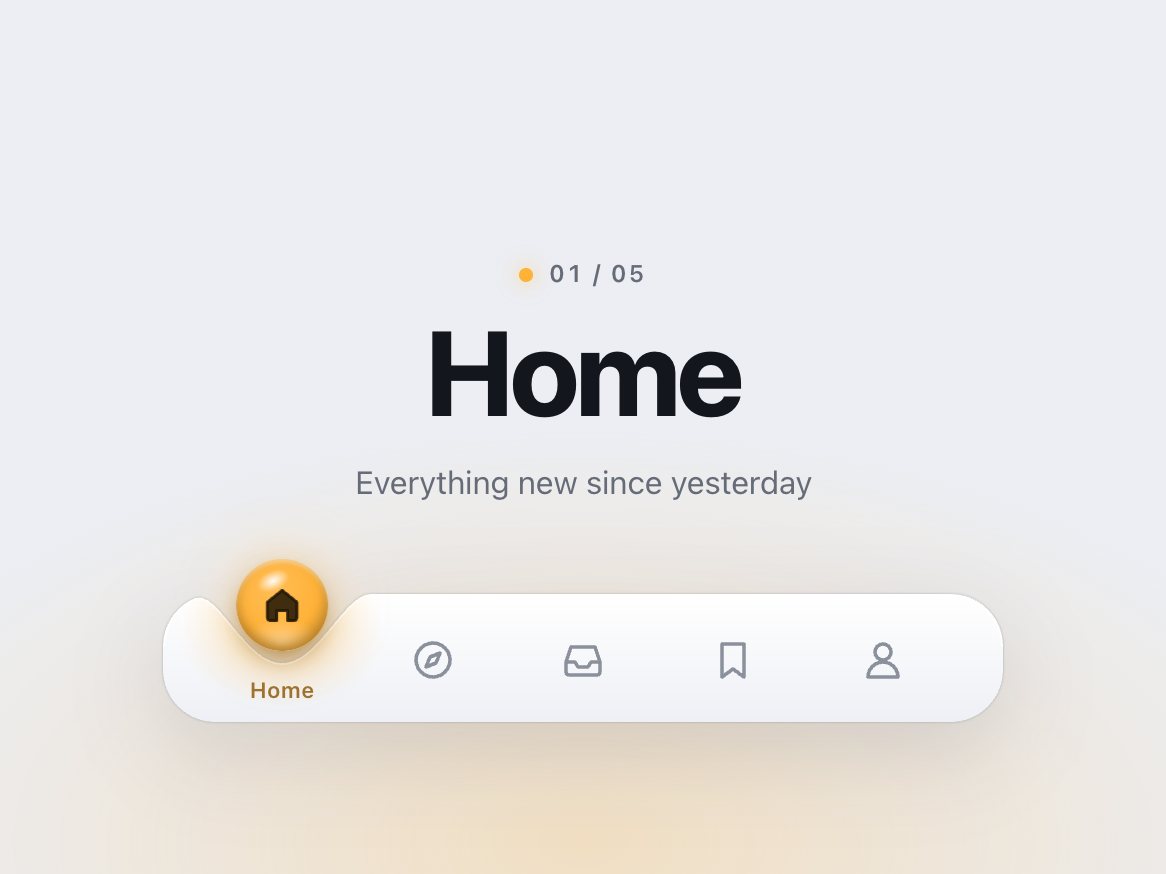
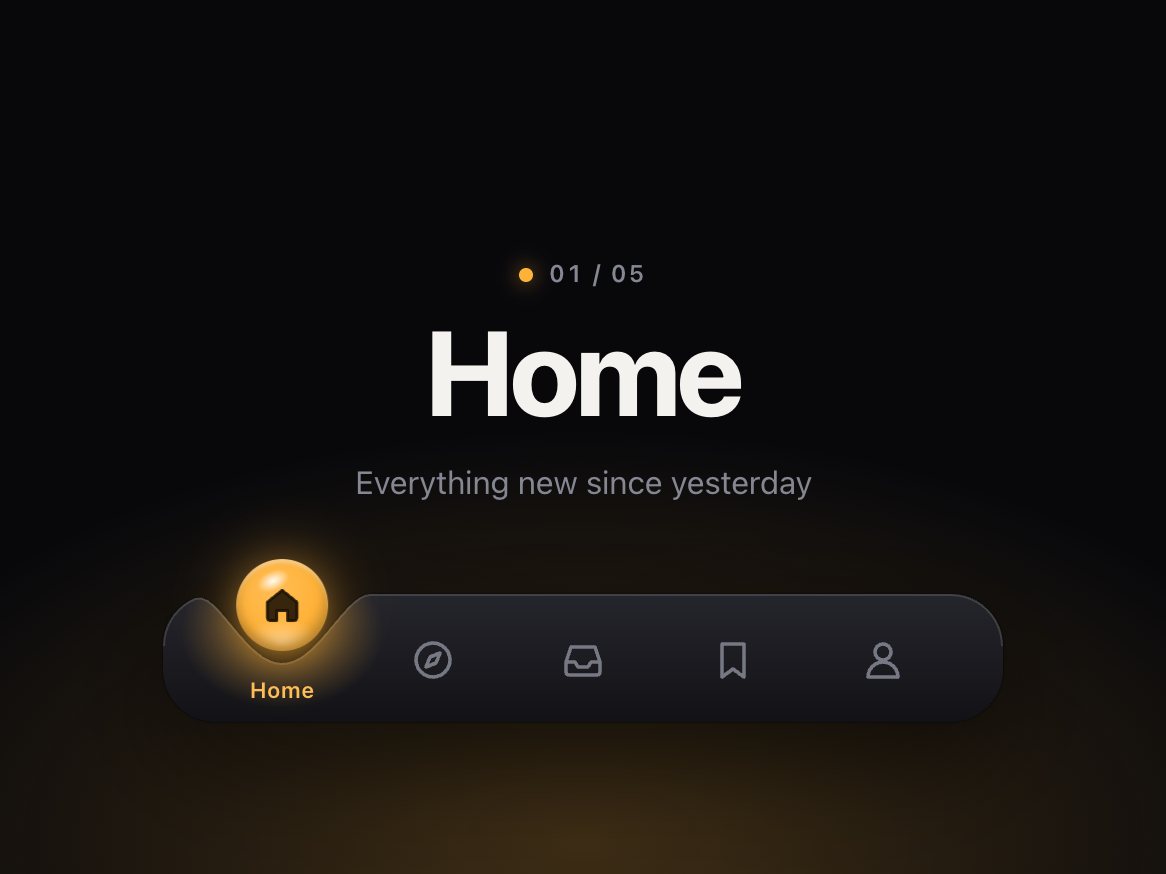
A sticky "On this page" list for long articles, docs and guides. A turned brass plumb bob hangs from a pin at the top of the list, its body beside the section you're reading and its point on a small tick. Scroll on and the bob travels down the thread to the next row; the thread tilts with the speed of the move and sways back to vertical, each swing smaller than the last. The links ink in and out with their distance from the bob: the one you're on goes dark and bold, its neighbours a little lighter, the rest stay grey. When the bob comes to rest, its point meets the tick, the tick turns brass, a thin brass ring opens from it, and the thread draws taut for a moment. Click a link and the page scrolls there with the bob following. Or grab the bob and pull it: it stays under your pointer, swings from your speed, the links ink as it passes, and the page scrolls along with it; let go and it springs to the nearest row, carrying your speed, and rings the tick. A quick flick on the list moves one section. On narrow screens the list becomes a sideways-scrolling strip above the article, with the bob hanging under the current chip.
Good for
Documentation sites, blog posts and long-form articles, knowledge bases, case studies, editorial and portfolio sites, product guides.
How it works
An IntersectionObserver picks the section crossing a line near the top of the window. Two springs on a requestAnimationFrame loop move the bob along the thread and swing the thread around its hook; the swing angle follows the bob's speed and the page's scroll speed, capped at 12°. The bob is an SVG drawn by the script. The layout switches to the strip with a container query, so it adapts to the width it's given, not only to the screen. Dragging uses Pointer Events with pointer capture, so it works the same with a mouse and with touch; a press that moves less than 6 px (4 px on touch) is a plain click, and past the first and last rows the bob rubber-bands. On release the bob aims for where it was heading (position plus a short projection of its speed) and the spring takes over at that speed.
How to use
Copy two files, paste the markup (contents plus a sample article you replace with your own), call init(). It fires onChange with the section's index and id (once per drag, on release), and onPreview while the bob is being dragged. drag: false turns the gestures off.
Specs
Price
$5, one payment
Version
1.0.0
Code size
11.9 KB gzipped
Dependencies
None
Built with
HTML, CSS, JavaScript
Category
Navigation
Licence
Unlimited personal and client projects
In the zip
plumb.cssplumb.jsthe component
index.htmla plain example page with a sample article
Add the markup from index.html (the block between the COMPONENT comments): a .plumb wrapper holding the contents (nav.plumb-toc) and a sample article (article.plumb-article). Replace the article with your own; keep one link per section.
Each .plumb-toc-link points at a section with its href (href="#leading" → <section id="leading">). The section is looked up inside the wrapper first, then in the whole document, so your headings can live elsewhere on the page. The thread, the hook, the bob and the ring are added by the script.
The full source, an example page and a README. No account, no framework.
Can I use it in client projects?
Yes, in unlimited projects. You can't resell or share the source itself.
Do I need React?
No. The README shows how to use it in React or Next.js.
Can I use it with my own article?
Yes. Each link's href points at a section's id; any number of sections works, and the sections can sit anywhere on the page.
I have a fixed header. Will it work?
Yes. Set --plumb-sticky-top to the header's height and the offset option to where a section should count as being read.
Is it keyboard accessible?
Yes. It is a nav of ordinary links: Tab through them, Enter to go (with a shorter scroll than a click), with a visible focus ring. The current link carries aria-current, and the bob is hidden from screen readers. Dragging is an extra; every section is still a click, a tap or a key press away.
Does dragging work on phones?
Yes. On touch, dragging along the list (down the column, or sideways along the strip on narrow screens) moves the bob without scrolling the page natively; the other direction still scrolls. In the strip, a sideways swipe drives the bob instead of scrolling the strip; drag the bob toward an edge to bring more chips into view.
What about reduced motion?
The page jumps to a section instead of scrolling, the bob fades to its row without swinging, and the links change colour in 200 ms. Dragging still works and the bob still follows the pointer, without swinging or rubber-banding.
Light and dark?
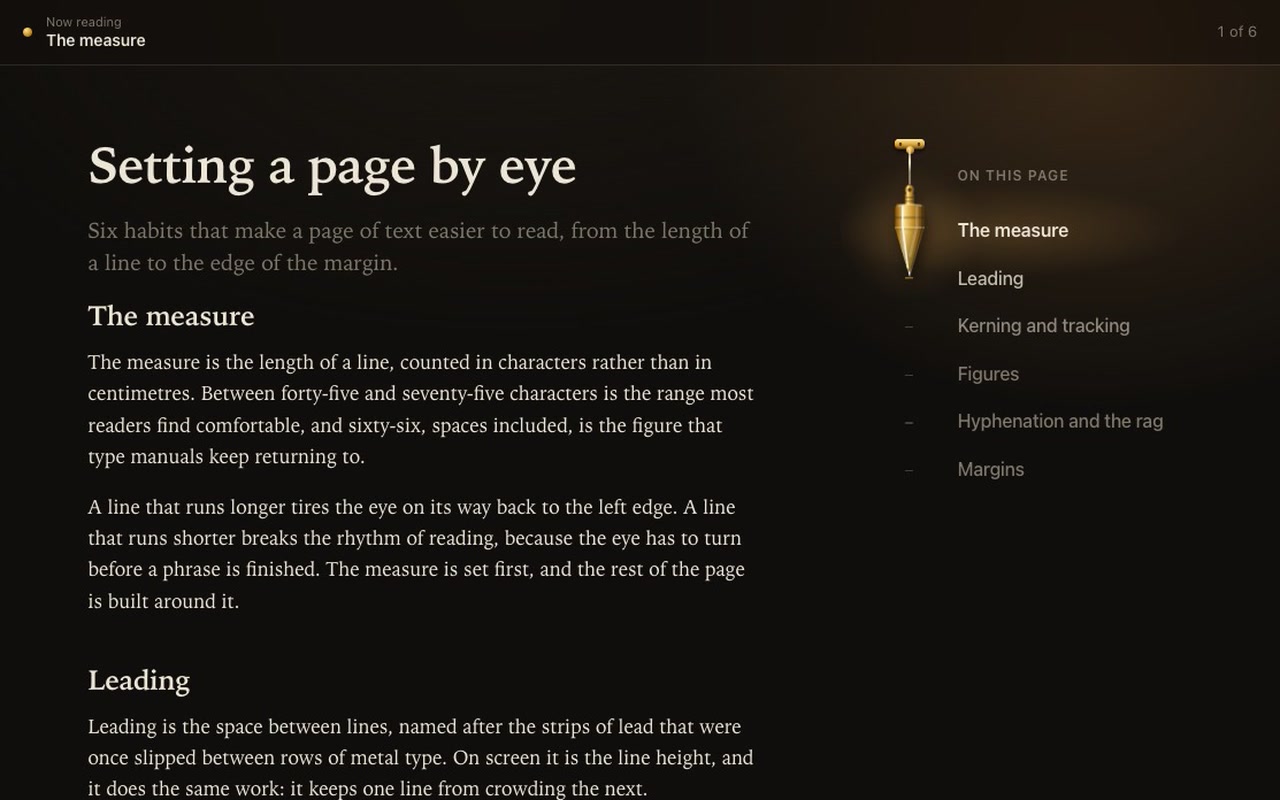
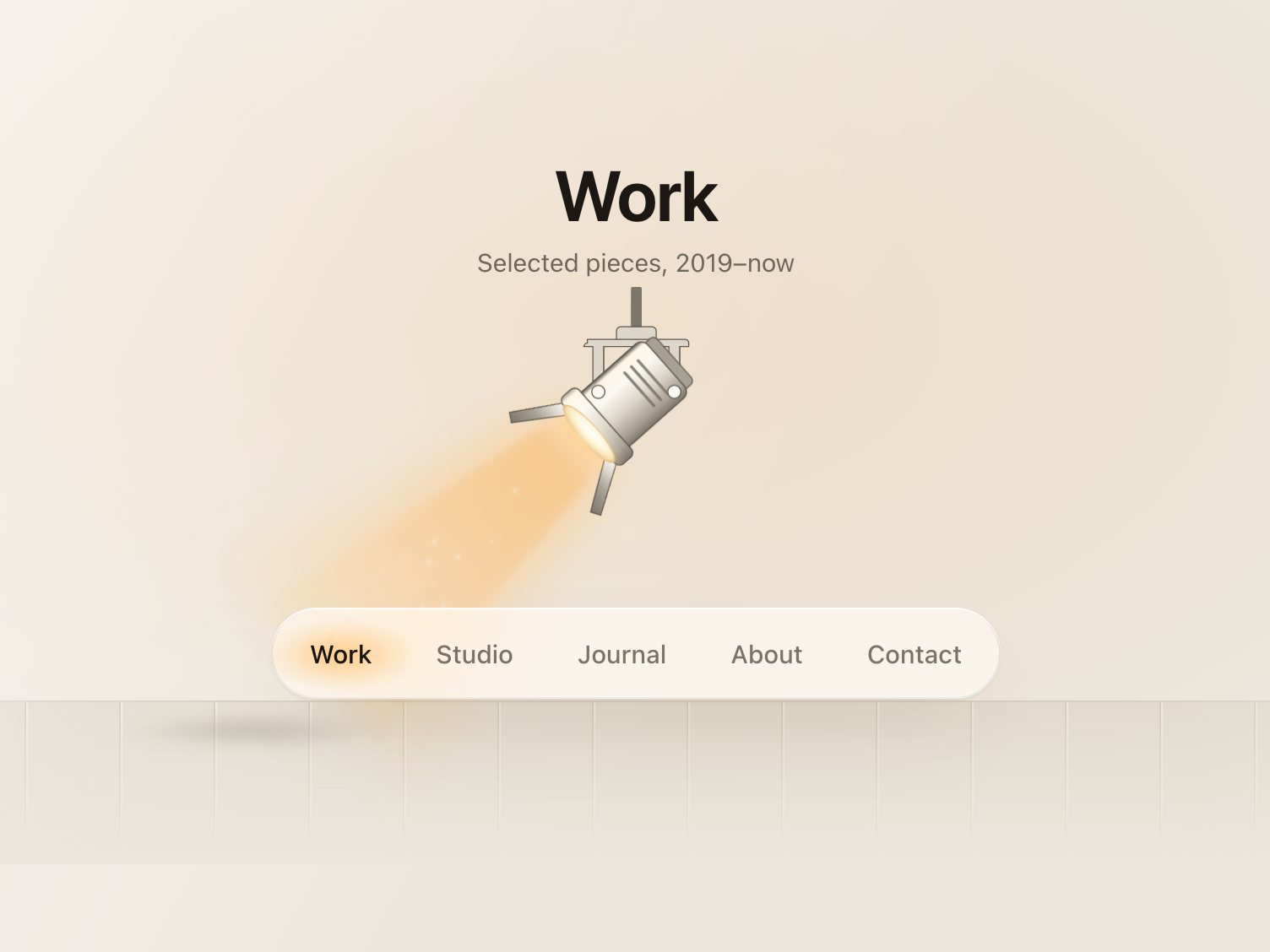
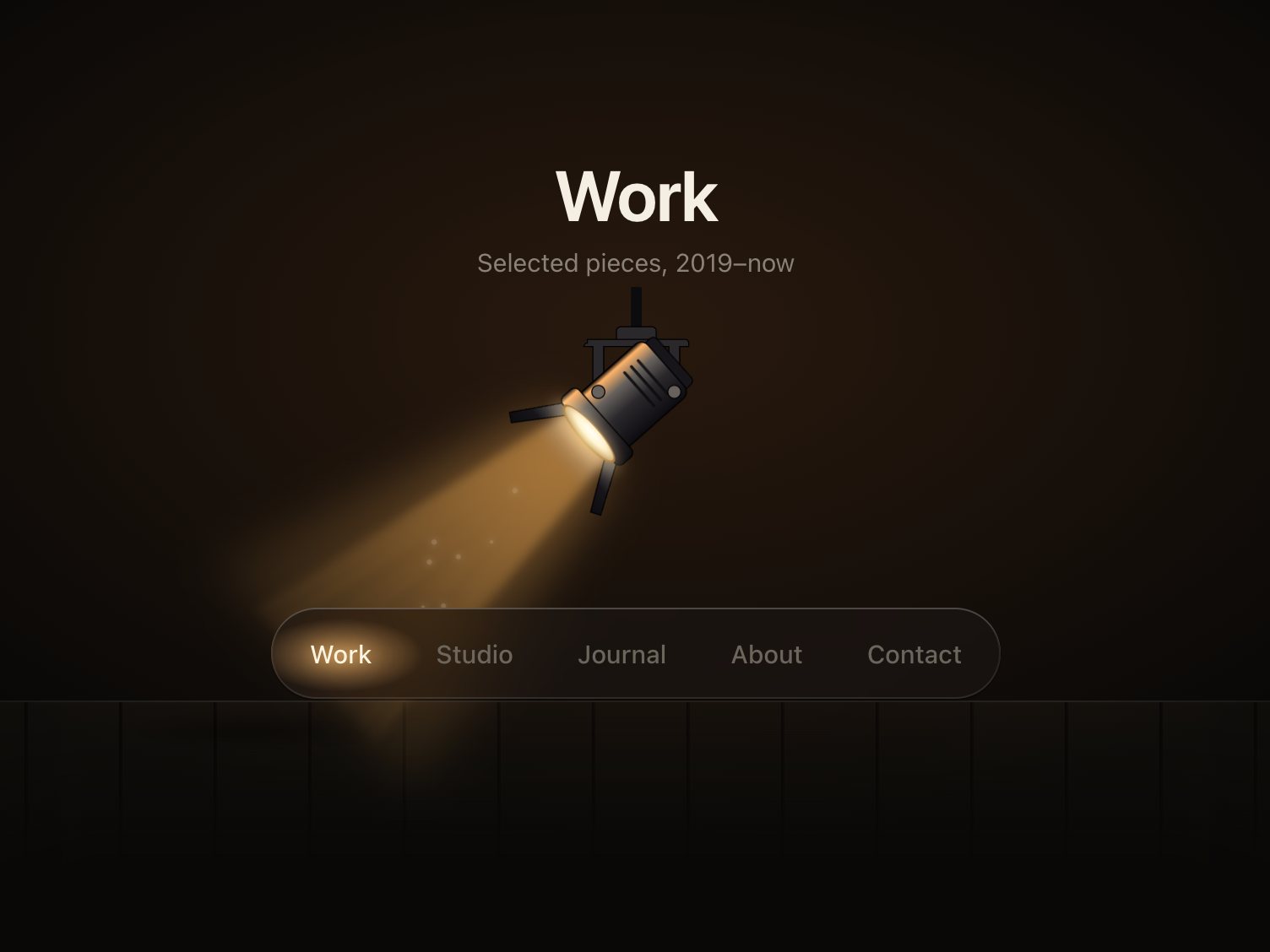
Both are designed: warm paper with graphite text in the light theme, a dim reading room with paper-white text in the dark one, and the same brass bob in both. With no theme set it follows the system.
Does it work on small screens?
Yes. Under 820px wide the list becomes a strip above the article that scrolls sideways, with the bob under the current chip. Tested at 320px.
What if it doesn't work for me?
If it doesn't work like the demo, you get a refund within 14 days.
Still have a question? Email us. The person who made it answers.
exportfunctioninit(root, {
pages = 9,
page = 1,
window: win = 7, // beads shown at once when there are more than 12 pages (odd numbers work best)
onChange,
onPreview, // called while a bead is pulled, with the page it would land on
drag = true, // pull beads along the rod with a finger or the mouse
duration = 440, // ms a bead takes to cross the gap and settle
stagger = 40, // ms between beads in a chain
labels = {},
} = {}) {
.dimple {
--dimple-h: 64px; /* the bar itself */--dimple-head: 30px; /* room above the bar for the drop to hop */--dimple-drop: 46px; /* drop diameter */--dimple-radius: 26px; /* bar corners */--dimple-width: 420px;
--dimple-font: -apple-system, "SF Pro Text", "Inter", system-ui, "Segoe UI", sans-serif;
--dimple-bar-top: #ffffff;
--dimple-bar-bottom: #eef0f5;
--dimple-rim: rgb(255255255 / .95);
exportfunctioninit(root, {
onChange, // (index, href) => void, when the chosen link changes
onPreview, // (index, href) => void, while dragging: the link the beam is over
followLinks = true, // a plain click follows the link once the lamp strikes on it
drag = true, // press and drag (or flick) along the bar to aim the lamp
travel = 560, // ms, sets the spring's stiffness: with the default settle the beam is within 10% of// the link after ~0.35 s, strikes at ~0.33–0.4 s and is fully still after ~0.9–1.2 s
settle = .12, // 0–.4, how much the lamp overshoots and settles on arrival
} = {}) {
const $ = s => root.querySelector(s);
const head = $('.fresnel-head');