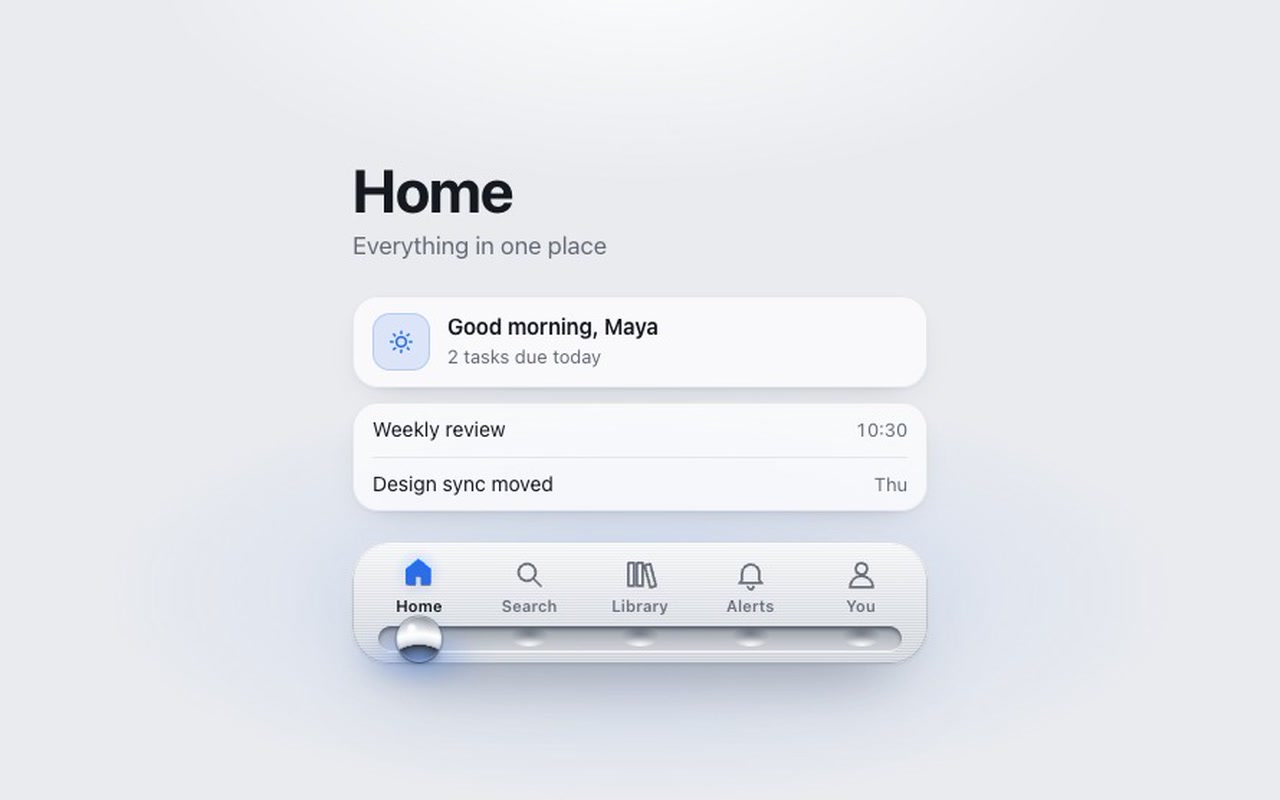
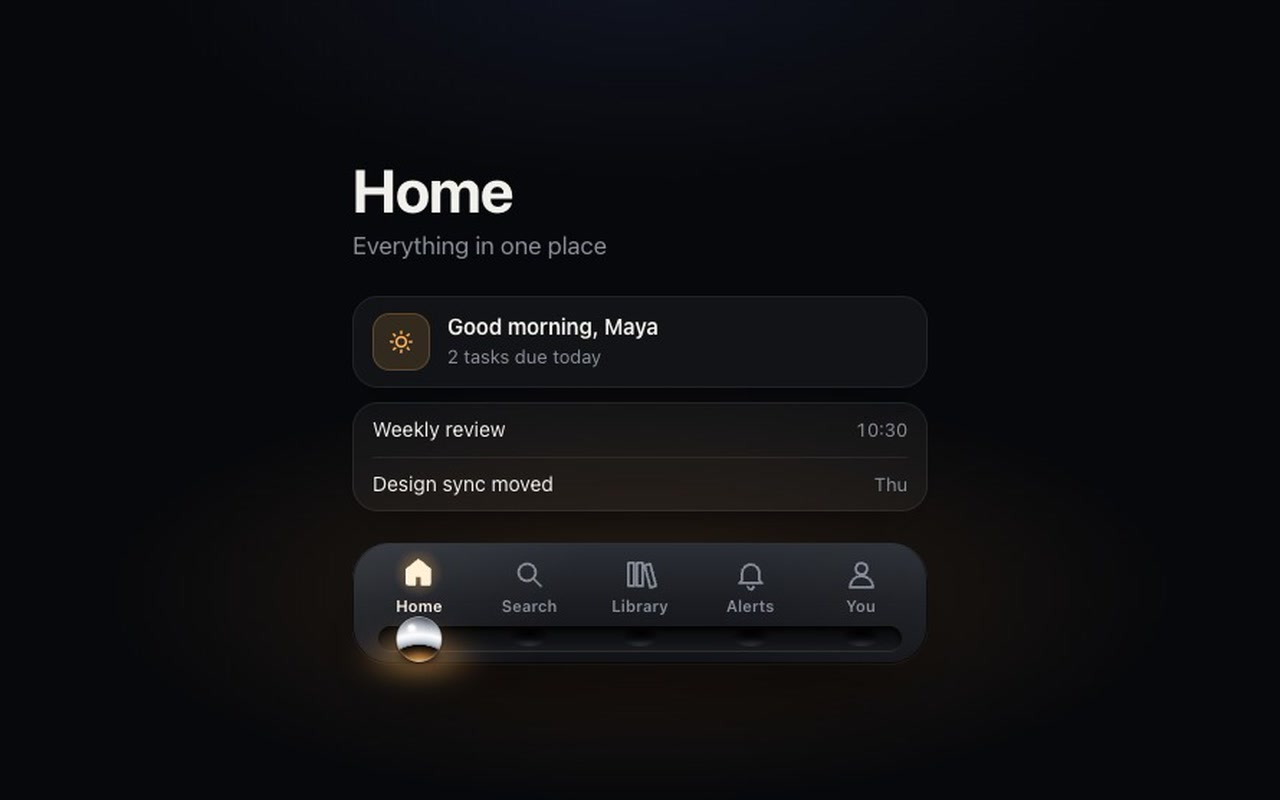
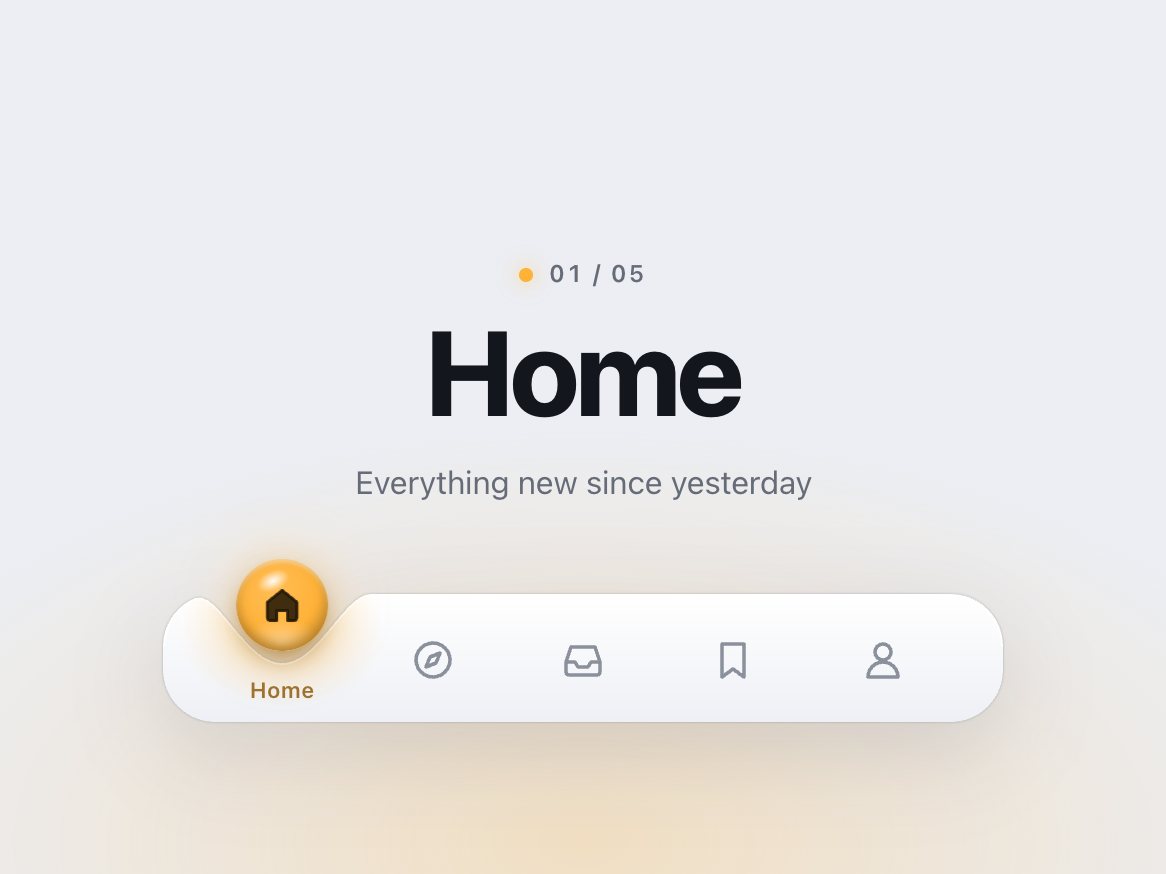
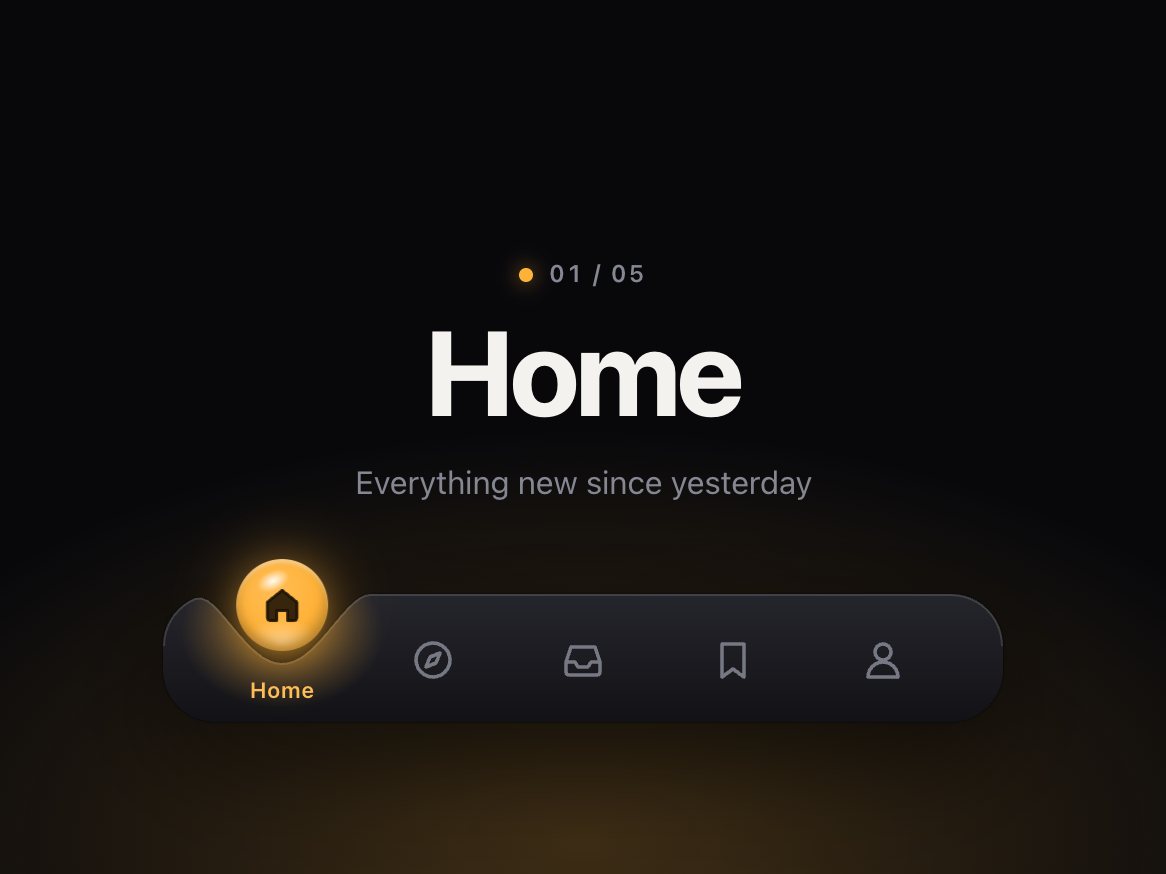
A five-tab bottom bar for app-style sites, cut as a black obsidian slab with a machined groove along its foot. A polished chrome ball sits in a dimple under the selected tab. Tap another tab and the ball rolls there: it turns as it travels, the icons it passes under rise in a wave, and it arrives with a small overshoot before settling into the next dimple. As it lands, a thin ring ripples out along the groove, the warm light under the ball blooms once, and the icon fills in. Tap again mid-roll and the ball simply changes course. You can also grab the ball and drag it along the groove: it rolls under your finger, the icons near it rise, and when you let go it rolls on at your speed to the nearest dimple. A quick flick on the bar moves one tab.
Good for
Mobile-first web apps, PWAs, portfolio and product sites that want a tab bar people notice, music, reading and gaming apps.
How it works
One spring on a requestAnimationFrame loop moves the ball; the reflection on the ball turns with the distance travelled, one full turn per tab, so it rolls rather than slides and comes to rest level. Each frame measures how close the ball is to each icon and lifts the near ones. Dragging uses Pointer Events: the ball follows the pointer 1:1, resists past the ends, and on release hands the pointer's speed to the same spring, aimed where that speed would carry it. Works with mouse, pen and touch; vertical swipes still scroll the page. The ball, groove and dimples are CSS gradients and shadows drawn by the script, so your markup is just five buttons with icons.
How to use
Copy two files, paste the markup, call init(). It fires onChange with the tab's index and value.
Add the markup from index.html (the block between the COMPONENT comments). Each tab is a button with an icon and a label; the groove, the dimples and the ball are drawn by the script.
Mark the starting tab with aria-selected="true". Each tab's data-value is passed to onChange.
### Your own icons
An icon is one 24 × 24 SVG with two paths that share a shape: .marble-fill (the solid shape, hidden until the tab is selected) and .marble-line (the outline, always drawn). Draw on a 24px grid with round caps; the stroke width is set in CSS. Any number of tabs works; the ball finds the centres itself.
The full source, an example page and a README. No account, no framework.
Can I use it in client projects?
Yes, in unlimited projects. You can't resell or share the source itself.
Do I need React?
No. The README shows how to use it in React or Next.js.
Can I use my own icons?
Yes. Each icon is one SVG with an outline path and a matching fill path; the README explains the two classes. Any number of tabs works.
Is it keyboard accessible?
Yes. It is a tab list: Tab to focus, arrow keys, Home and End to change, with a visible focus ring. Keyboard moves crossfade the ball instead of rolling it, so stepping through tabs stays quick. The ball and the groove are hidden from screen readers.
Can I drag it?
Yes. Drag the ball (or drag anywhere on the bar) and let go, or flick the bar to move one tab. onChange fires once, on release. Pass drag: false to turn it off.
What about reduced motion?
The ball crossfades between dimples instead of rolling, the icons fill without the wave, and the finale is the dimple's glow fading in. Dragging still follows the finger, without the bounce.
Light and dark?
Both are designed: brushed aluminium with a steel ball and a steel-blue accent in the light theme; obsidian with a chrome ball and lamp-warm light in the dark one. With no theme set it follows the system.
Does it work on small screens?
Yes. Under 400px the labels hide, the bar fills the width and the ball keeps rolling. Tested at 320px.
What if it doesn't work for me?
If it doesn't work like the demo, you get a refund within 14 days.
Still have a question? Email us. The person who made it answers.
exportfunctioninit(root, {
pages = 9,
page = 1,
window: win = 7, // beads shown at once when there are more than 12 pages (odd numbers work best)
onChange,
onPreview, // called while a bead is pulled, with the page it would land on
drag = true, // pull beads along the rod with a finger or the mouse
duration = 440, // ms a bead takes to cross the gap and settle
stagger = 40, // ms between beads in a chain
labels = {},
} = {}) {
.dimple {
--dimple-h: 64px; /* the bar itself */--dimple-head: 30px; /* room above the bar for the drop to hop */--dimple-drop: 46px; /* drop diameter */--dimple-radius: 26px; /* bar corners */--dimple-width: 420px;
--dimple-font: -apple-system, "SF Pro Text", "Inter", system-ui, "Segoe UI", sans-serif;
--dimple-bar-top: #ffffff;
--dimple-bar-bottom: #eef0f5;
--dimple-rim: rgb(255255255 / .95);
exportfunctioninit(root, {
onChange, // (index, href) => void, when the chosen link changes
onPreview, // (index, href) => void, while dragging: the link the beam is over
followLinks = true, // a plain click follows the link once the lamp strikes on it
drag = true, // press and drag (or flick) along the bar to aim the lamp
travel = 560, // ms, sets the spring's stiffness: with the default settle the beam is within 10% of// the link after ~0.35 s, strikes at ~0.33–0.4 s and is fully still after ~0.9–1.2 s
settle = .12, // 0–.4, how much the lamp overshoots and settles on arrival
} = {}) {
const $ = s => root.querySelector(s);
const head = $('.fresnel-head');