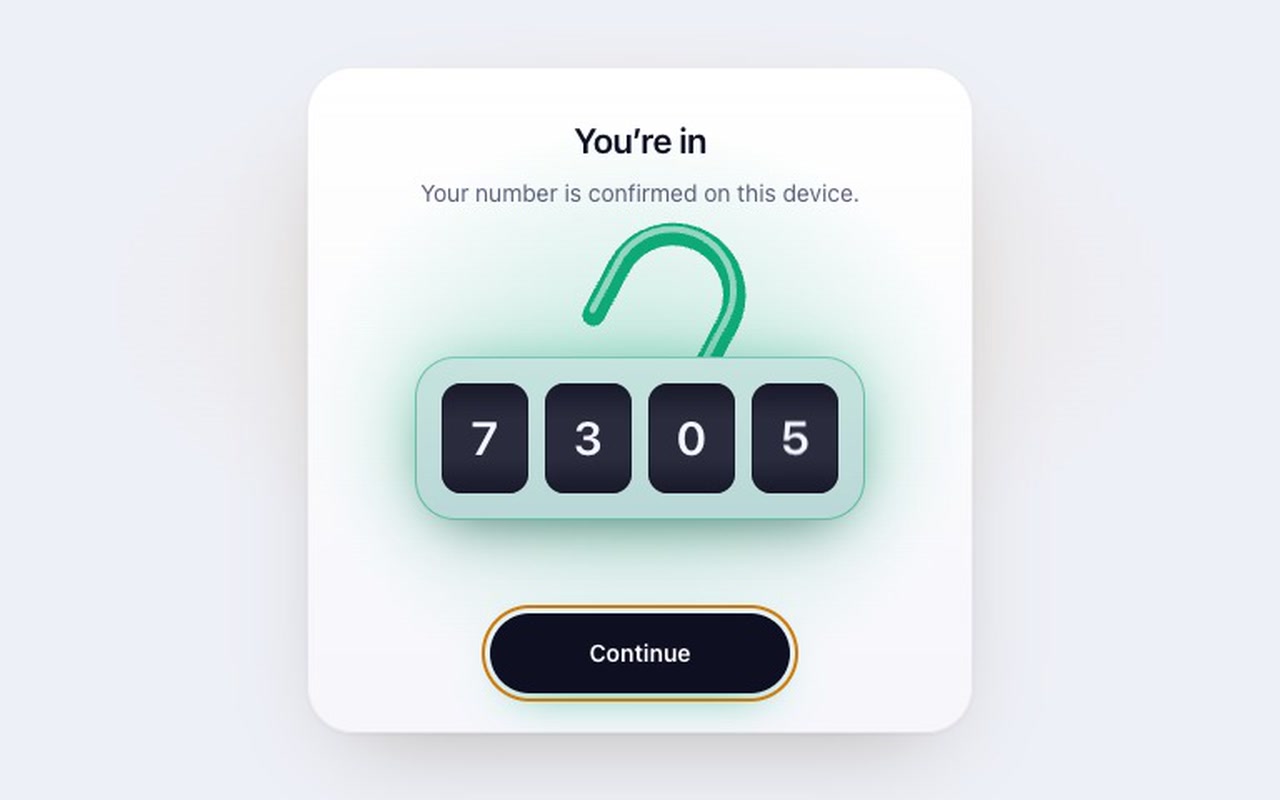
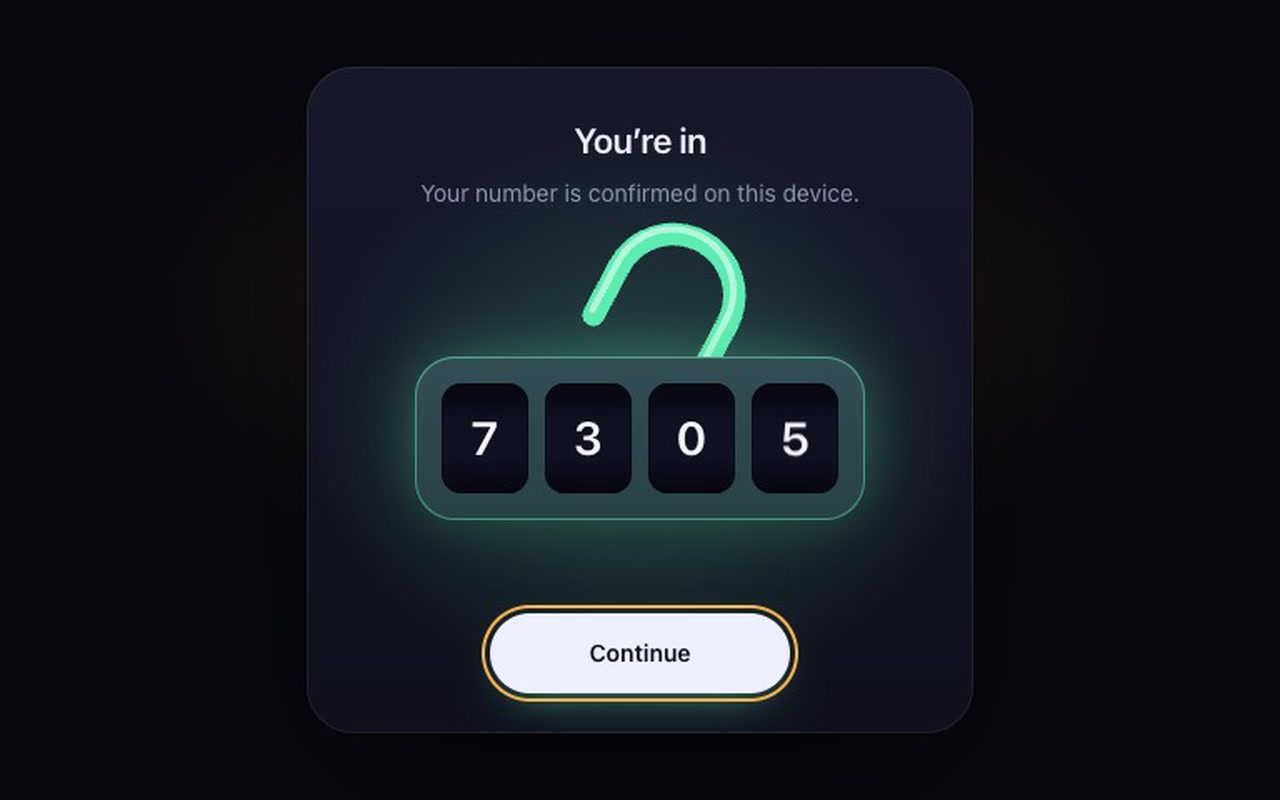
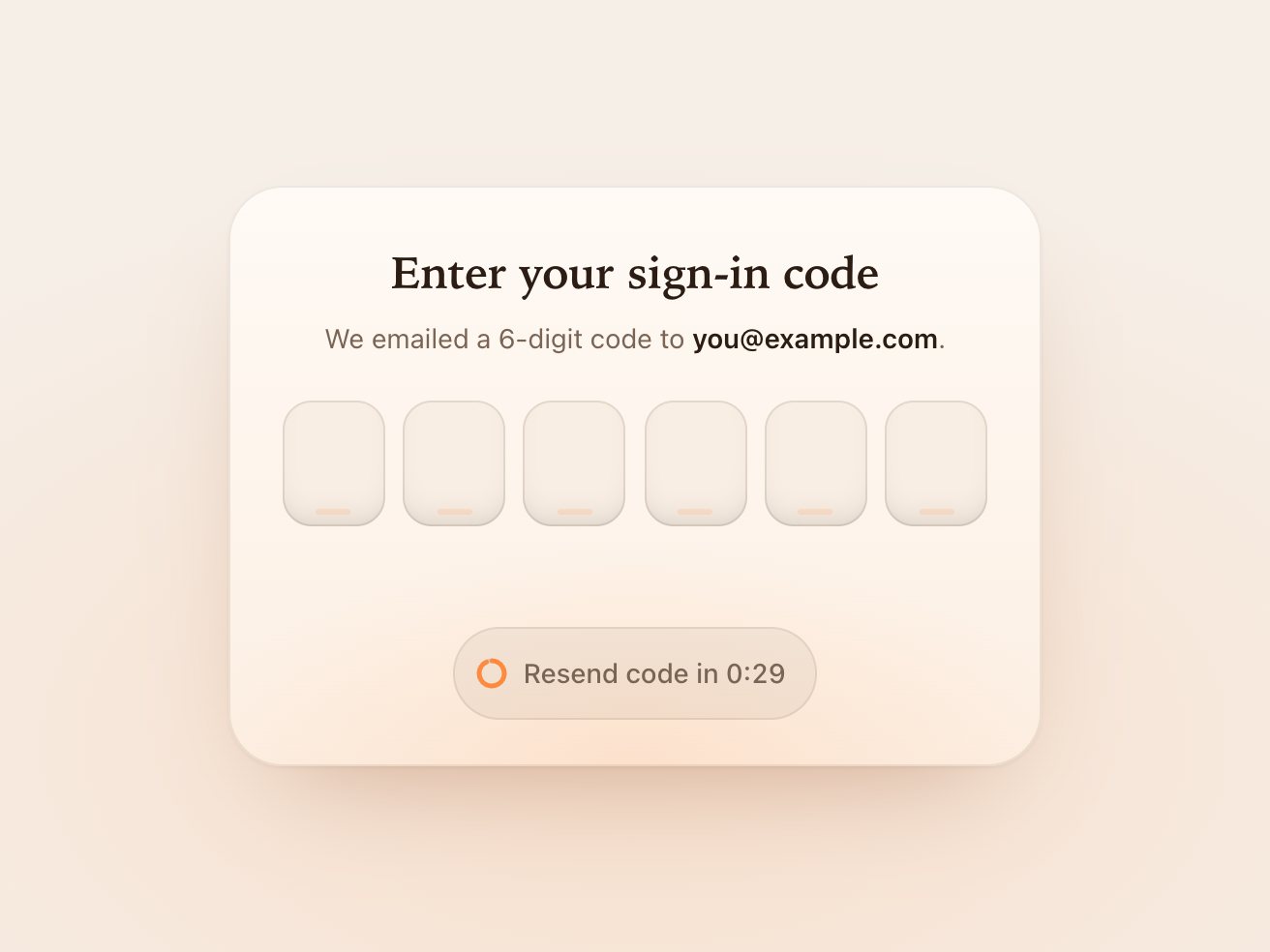
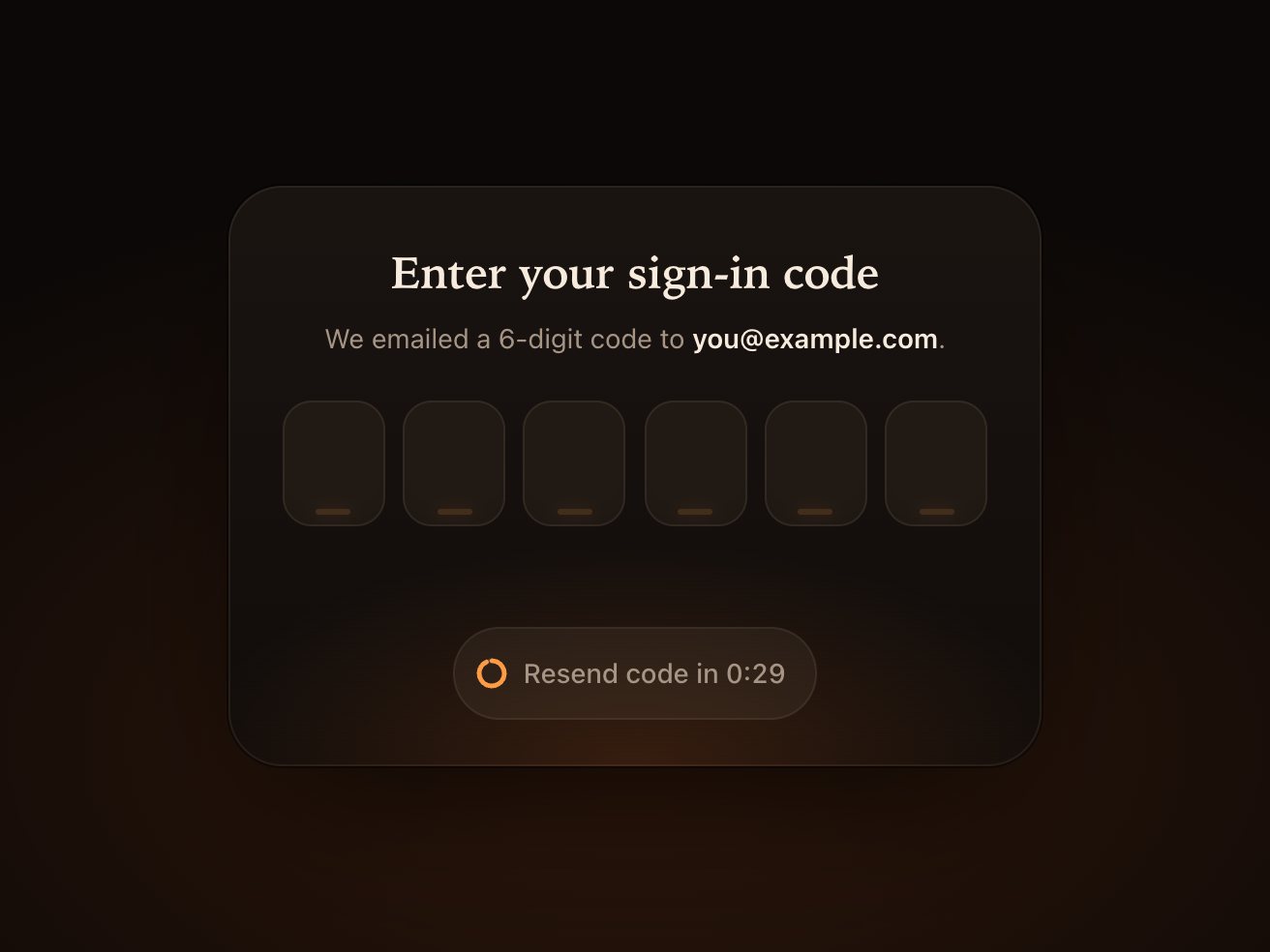
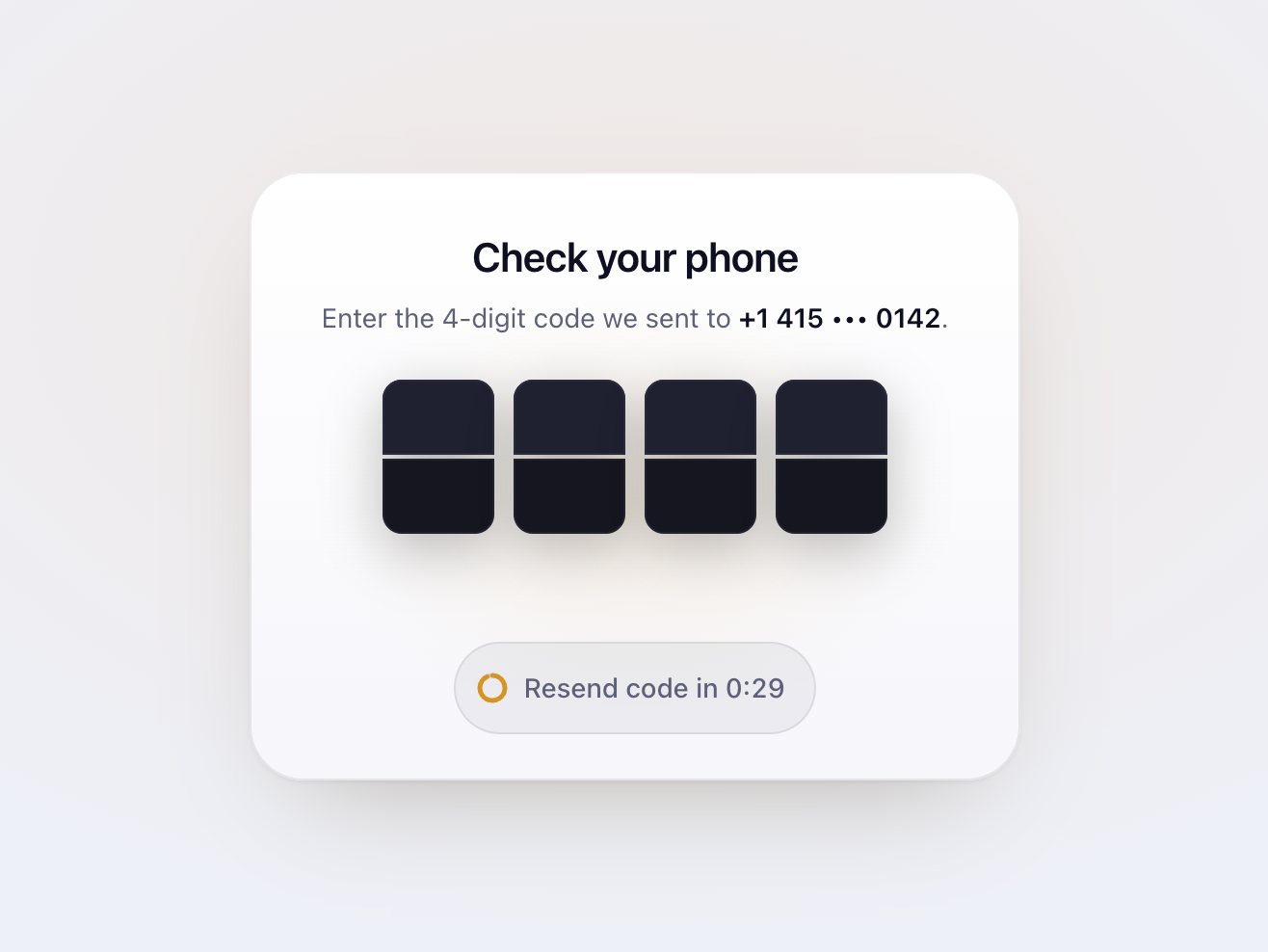
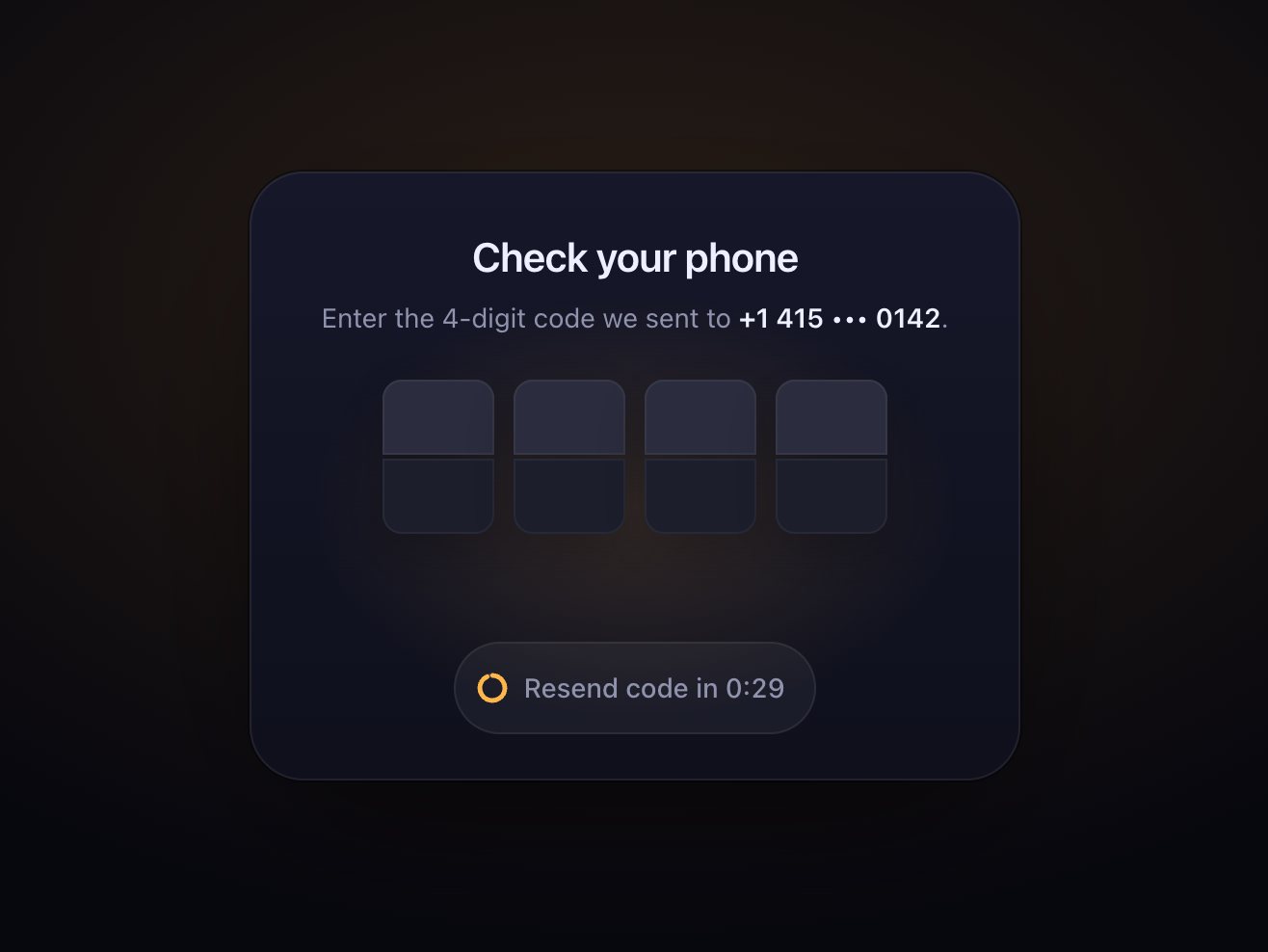
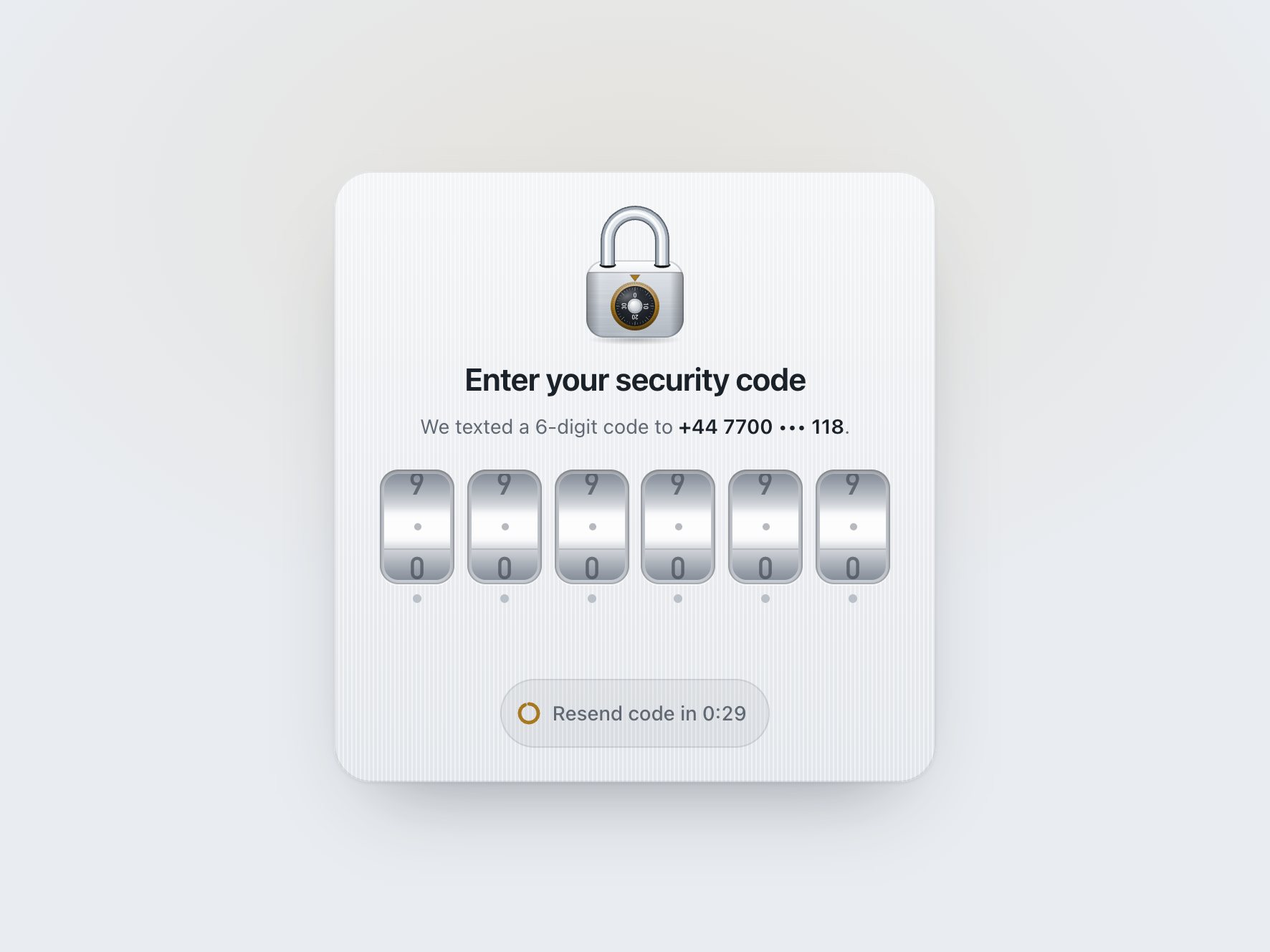
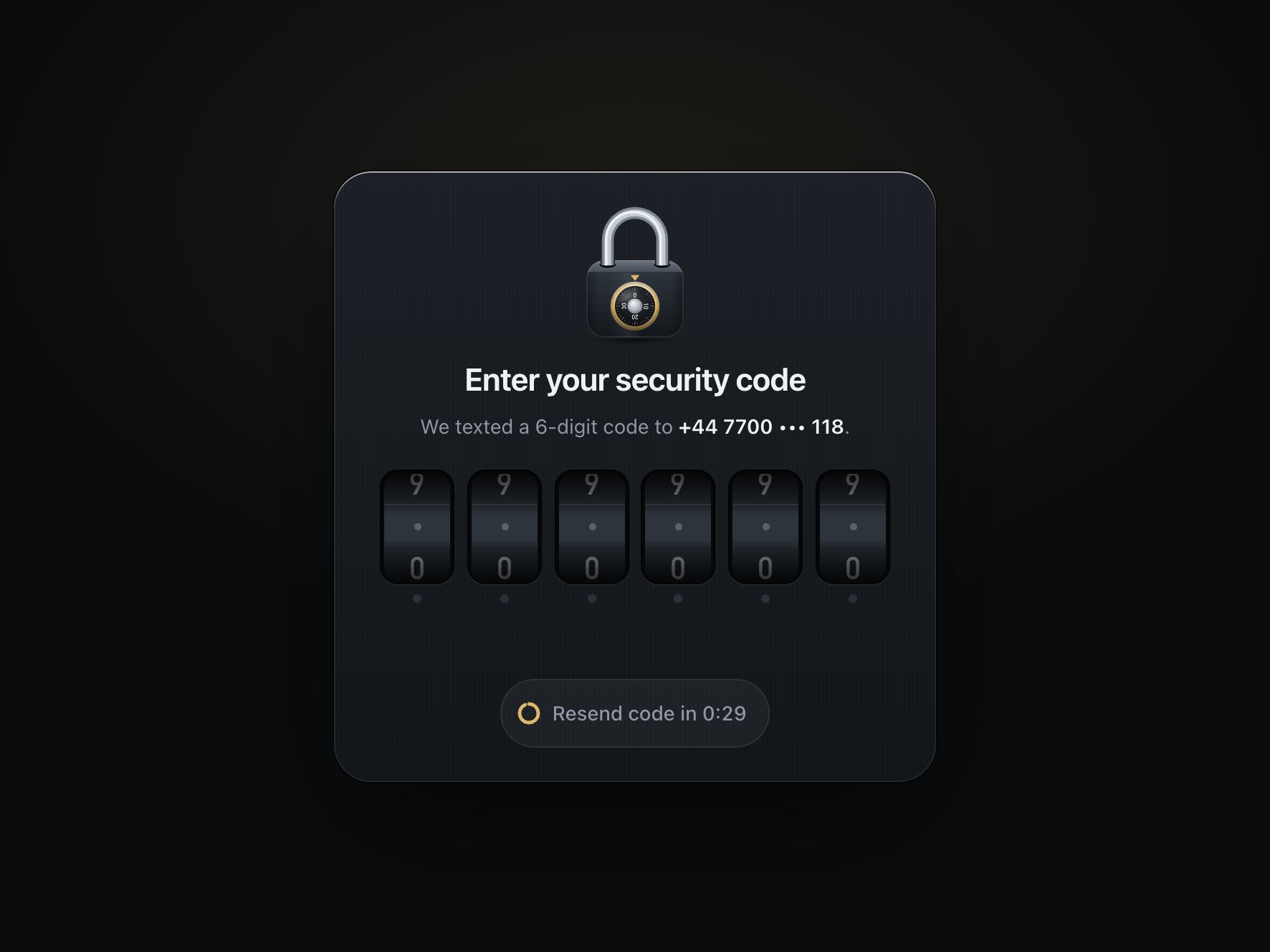
A complete "enter the code we sent you" card drawn as a padlock. Four wheels sit in the lock body under a steel shackle. A glowing ring glides to the wheel that takes the next digit, and each digit rolls into view like a combination dial, further digits taking a little longer. While the code is checked, a light sweeps across the body. A wrong code is someone tugging a locked padlock: the shackle is yanked twice, the body shudders, the wheels rim red and roll back to blank. A right one lifts the shackle, swings it open round its long leg and turns the lock green, and a Continue button rises.
Good for
Two-step sign-in, phone and email confirmation, PIN and passcode screens, anywhere "unlocking" is the right word for what the user is doing.
How it works
One real input sits invisibly over the wheels, so paste, SMS autofill and screen readers work the usual way. Your check runs as soon as the last digit is in, and its answer picks the ending. The wheels are strips of digits moved with CSS transitions, so a roll that is interrupted continues from where it is. A resend button counts down before it can be pressed.
How to use
Copy two files, paste the markup, pass your own onComplete(code). Four or six wheels: add or remove slots.
Specs
Price
$5, one payment
Version
1.0.0
Code size
7.7 KB gzipped
Dependencies
None
Built with
HTML, CSS, JavaScript, SVG
Category
Form
Licence
Unlimited personal and client projects
In the zip
hasp.csshasp.jsthe component
index.htmla plain example page
README.mdpackage.jsonvite.config.jsLICENSE.md
Use it in your project
Copy hasp.css and hasp.js into your project.
Add the markup from index.html (the block between the COMPONENT comments). One .hasp-wheel per digit: four are in the example, six work the same (the body grows with them).
Start it and connect your own check:
import { init } from './hasp.js';

const hasp = init(document.querySelector('.hasp'), {
  onComplete: async (code) => {
    const res = await fetch('/api/verify', { method: 'POST', body: JSON.stringify({ code }) });
    if (!res.ok) throw new Error('That code has expired. Send a new one.'); // shown under the lock
  },
  onResend: () => fetch('/api/send-code', { method: 'POST' }),
  onContinue: () => { location.href = '/dashboard'; },
});
onComplete runs as soon as the last digit is in. Return false or throw to show an error: the shackle is tugged twice, the body shudders, the wheels rim red and roll back to blank so the user can type again. Resolve and the shackle rises, swings open round its long leg and turns green with the body, and a Continue button appears.
There is one real <input> under the wheels, so the things that normally work with a code field still do: paste, SMS and email autofill (autocomplete="one-time-code"), the numeric keyboard on phones, and screen readers.
The full source, an example page and a README. No account, no framework.
Can I use it in client projects?
Yes, in unlimited projects. You can't resell or share the source itself.
Does it check the code?
It calls your function with the code and shows the answer. Checking belongs on your server; the demo only compares against a fixed code.
Does autofill from SMS work?
Yes. It's a normal input with autocomplete="one-time-code", so iOS and Android offer the code from the message, and the wheels roll in one after another.
Is it accessible?
One labelled field, numeric keyboard on phones, live status messages, aria-invalid on errors, and focus moves to Continue once verified. With reduced motion nothing rolls, shakes or swings.
Light and dark?
Both are designed, and every colour is a CSS variable, including the metal and the wheels.
What if it doesn't work for me?
If it doesn't work like the demo, you get a refund within 14 days.
Still have a question? Email us. The person who made it answers.
<!-- one real input; js
draws each piece's
outline as an svg --><div class="dovetail-row"><input class="dovetail-input"
…><span class="dovetail-piece" aria-hidden="true"></span>
dovetail.css
/* js sets each slide's
length; a cut-off one
resumes where it is */
.dovetail-piece {
translate: 00;
transition:
translate
var(--dovetail-move)
var(--dovetail-glide), …
.dovetail-piece.is-lifted {
… scale: 1.06; }
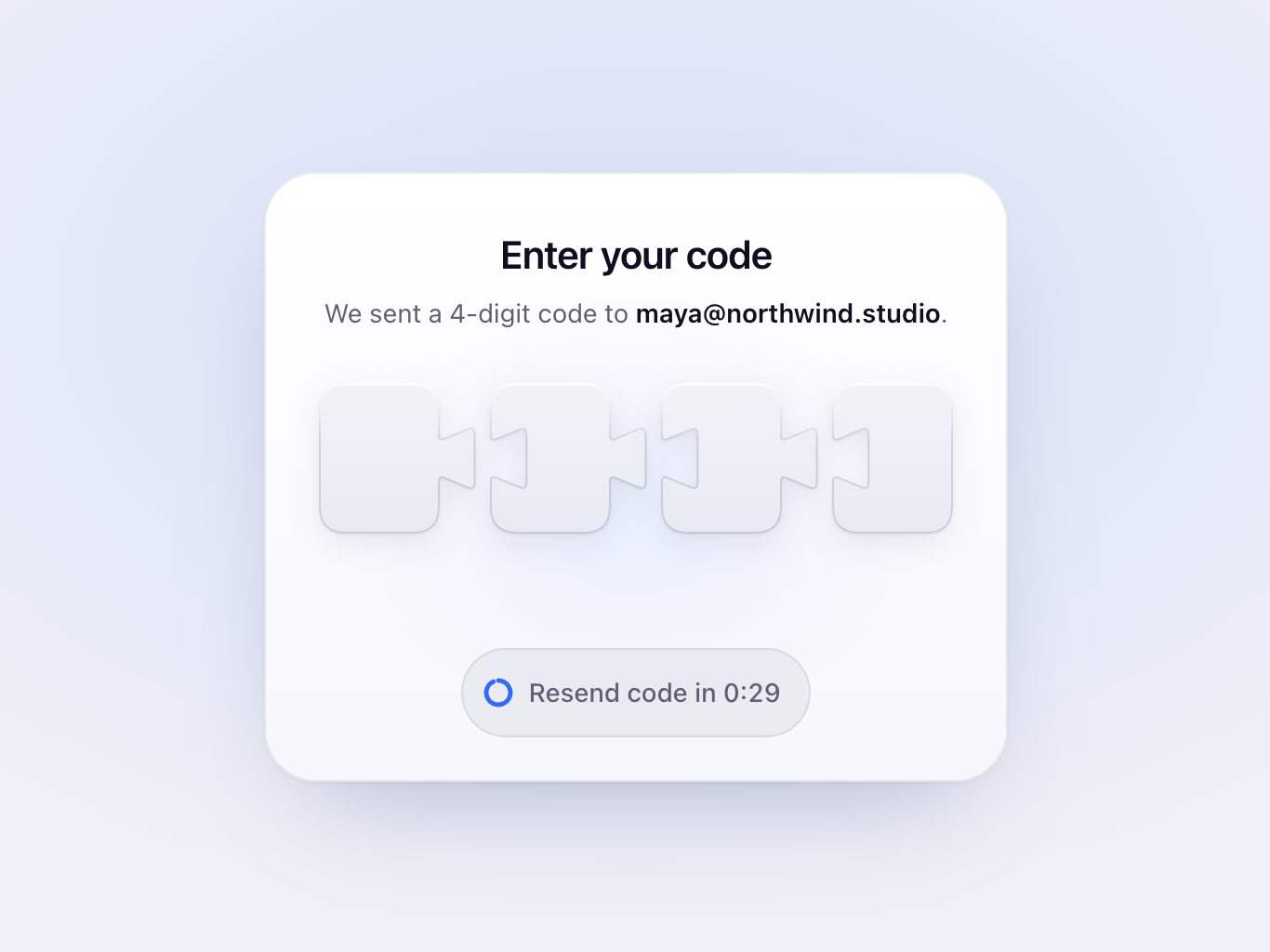
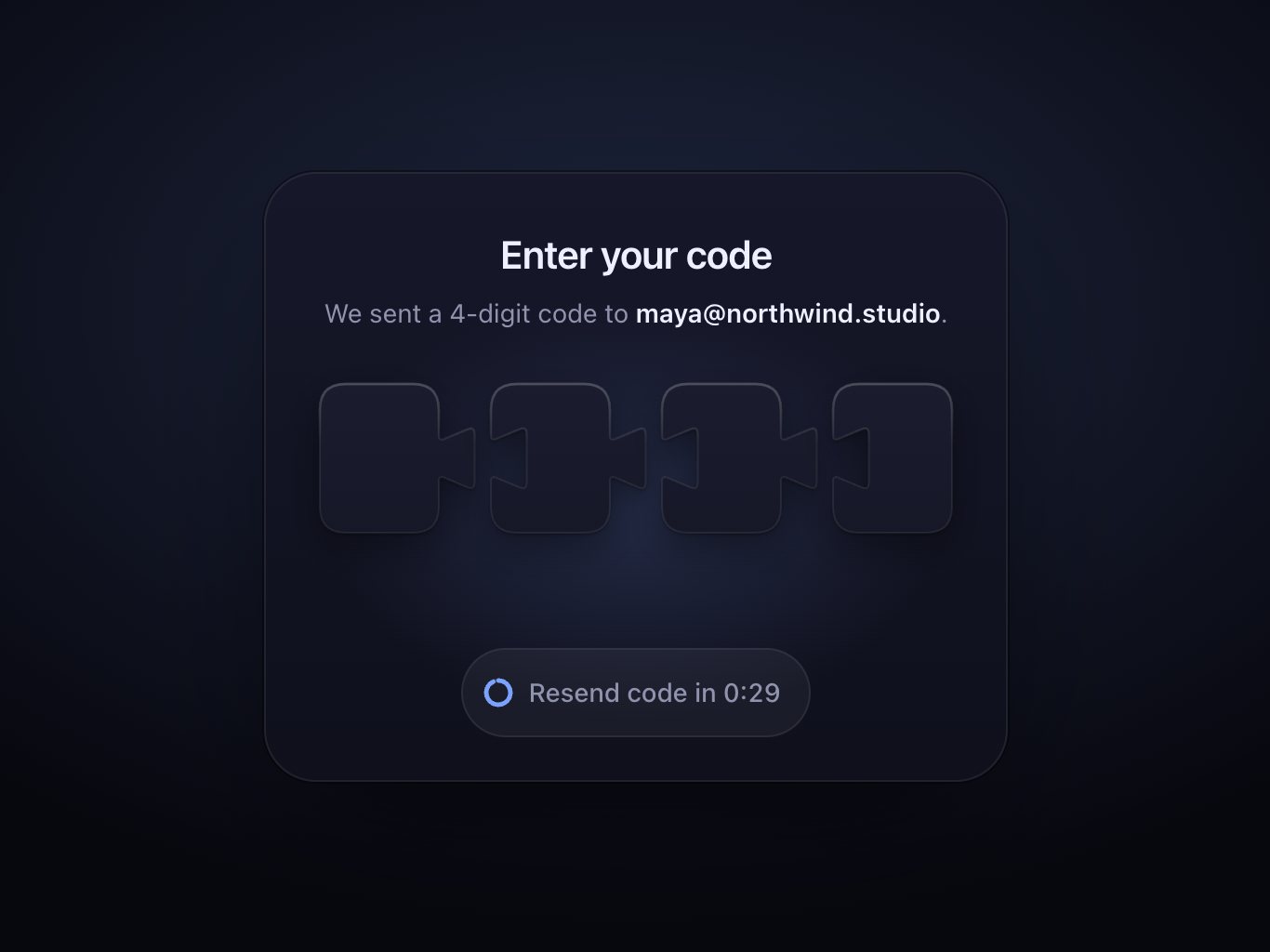
A one-time code field of puzzle pieces that slide together and lock into a check
11 KB0 depsForms
index.html
<!-- a coal per slot; the
check has no d, js
fits it to the row;
sparks spawn in fx --><span class="ember-slot" …><span class="ember-wick"></span></span>
…
<svg class="ember-mark" …><path class="ember-check"/><span class="ember-fx" …>
ember.css
/* two copies of the digit:
   a blurred one behind it
   carries the heat */
.ember-num, .ember-heat {
  grid-area: 1 / 1;
…
.ember-heat {
  color: var(--ember-flame);
  filter: blur(7px);
  opacity: .3; …
ember.js
// one eased k draws the// stroke and puts the spark// at its tip, via along(k)const k = easeInOut(
Math.min(1, (now - t0)
/ dur));
const [x, y] = along(k);
… p.style.strokeDashoffset
= String(1 - k);
… c.setAttribute('cx', x);
A one-time code field where each digit lights like an ember and a wrong code turns to ash
9.3 KB0 depsForms
index.html
<!-- one real input on top;
the tiles stay empty,
flap.js adds halves
and a hinged leaf --><div class="flap-row"><input class="flap-input" id="otp" type="text" …><span class="flap-tile" aria-hidden="true"></span>
…
flap.css
/* one leaf, two faces:
   the back waits folded
   behind the front */
.flap-tile {
  perspective: 480px; …
.flap-leaf-front,
.flap-leaf-back {
  backface-visibility:
    hidden; …
  transform:
    rotateX(180deg); }
flap.js
// new glyph: top half and// leaf back; the old one// stays on the leaf frontpaint(c.top, glyph, tone);
paint(c.back, glyph, tone);
// fall to -180, bounce 5°// back and settle: clackconst a = c.leaf.animate(
… 'rotateX(-180deg)',
offset: 0.86, …
'rotateX(-175deg)', …
A split-flap code field that clacks each digit down and flips the board to DONE
7.8 KB0 depsForms
index.html
<!-- clip ends at the hole
line, so the bar sinks
into the case --><g clip-path=
"url(#latch-clip-above)"><g class="latch-shackle"><g class="latch-bar"><!-- one d, four widths: a
round polished tube --><path class="latch-tube
latch-tube-1" d="…"/>
latch.css
/* pivot on the long leg,
in SVG viewBox units */
.latch-shackle, .latch-bar {
transform-box: view-box;
transform-origin:
69px30px; }
/* scaleX fakes the turn;
stroke width holds */
.latch-tube { …
vector-effect:
non-scaling-stroke; }
latch.js
// v is kept on retarget, so// a spin never jerks
v += (-k * (x - target)
- c * v) * (dt / 4);
x += v * (dt / 4);
…
// speed blurs the digitsconst b = Math.min(2.6,
(Math.abs(v)*cell) / 900);
if (b > 0.25) { strip.style
.filter = `blur(${b…}px)`;